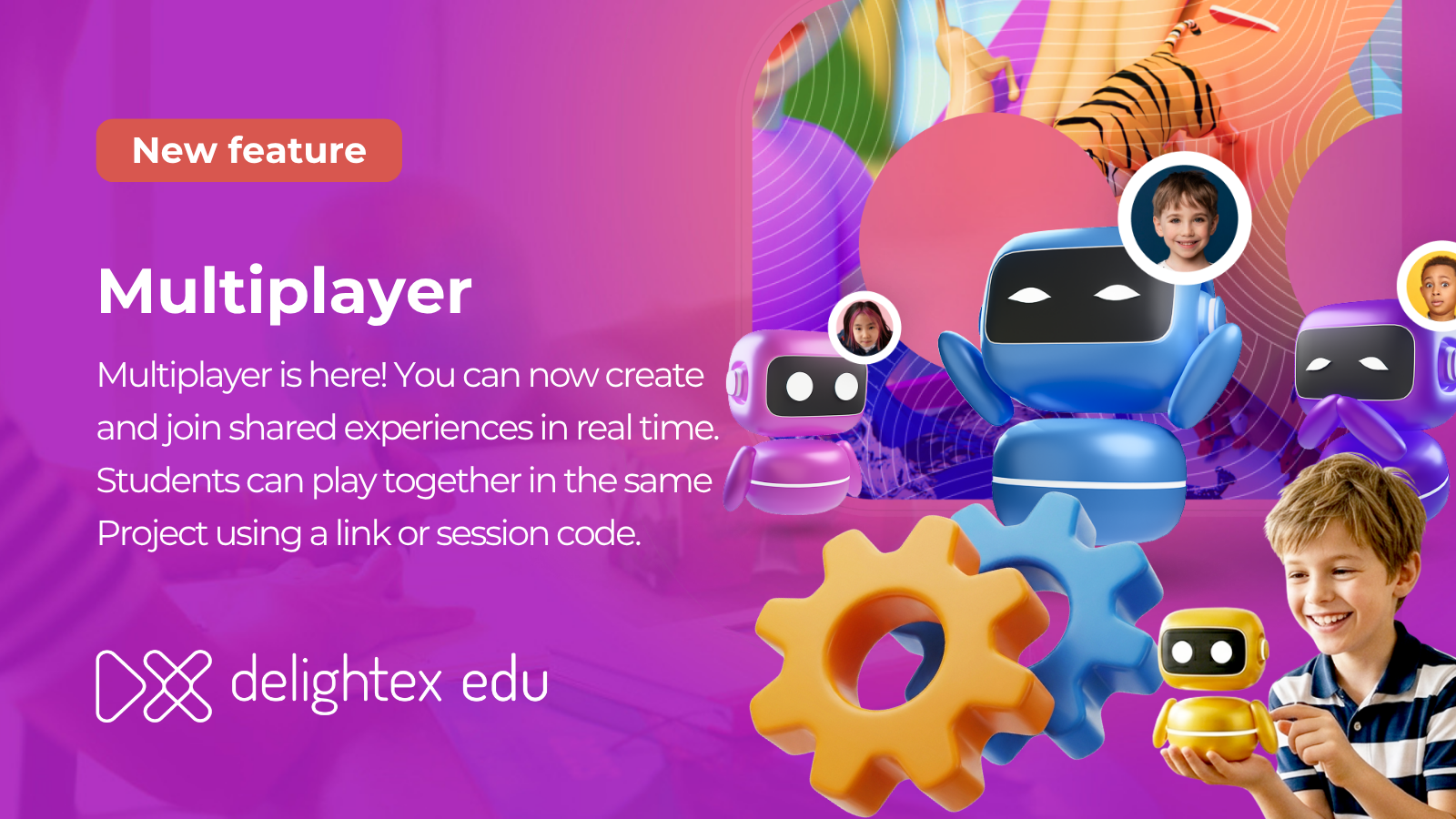
Multiplayer is a new activity type that lets you and your students join and explore Projects together in real time.
To get started, create a Multiplayer Project or create an Assignment and select the Multiplayer activity type. These Projects are marked with a Space tag in your Dashboard and Gallery, so they’re easy to spot.
Multiplayer Projects use a streamlined editor to keep things simple. Scene management is hidden, and the Play button starts a live session instantly. When you click Play, you become the host, and a join link and session code are generated for you to share with your class, and everyone can pick an avatar and join together. Students need to be logged in to participate, and anyone without an account will be prompted to sign up.
Learn more about Multiplayer here.
Note: Hosting a multiplayer session is currently available on browser and desktop. Mobile and VR are not yet supported.

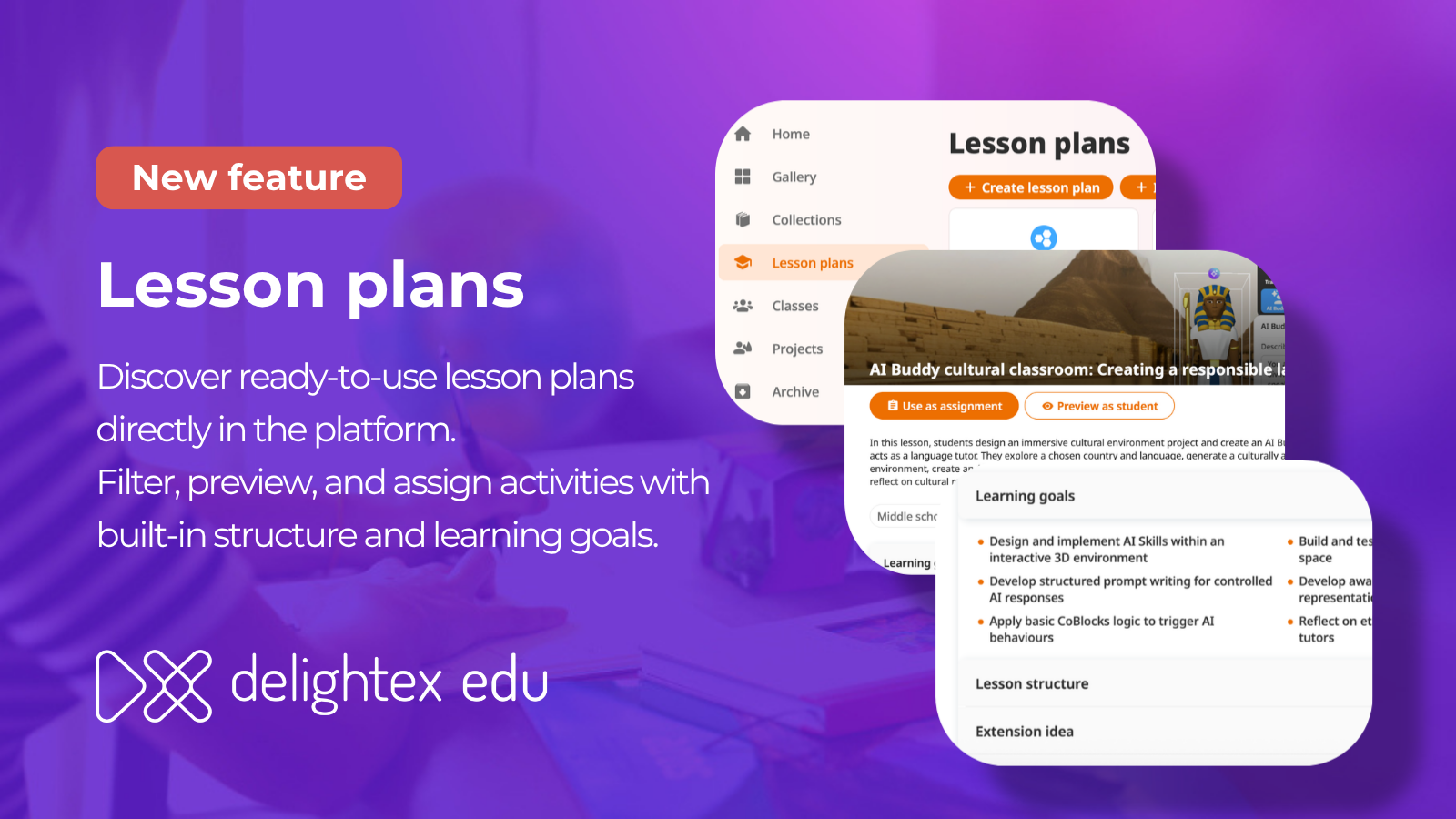
A new Lesson Plans section is now available directly inside the product! Browse and filter by educational level, category, or activity format. Each plan comes with learning goals, lesson structure, extension ideas, and assessment suggestions, so you have everything you need in one place.
From any lesson plan you can:

We’ve made AI Buddy interactions feel more natural and easier to follow.
The "Thinking…" state is now a breathing ball animation, and you can keep typing even while your AI Buddy is still thinking.

As an admin, you can now manage AI Buddy voice support and dictation separately from the Integrations tab.
This gives you more flexibility in how students interact with AI Buddies. When voice is enabled, your students can use voice mode in AI Buddy. When dictation is enabled, they can speak directly into the chat box in Play mode.
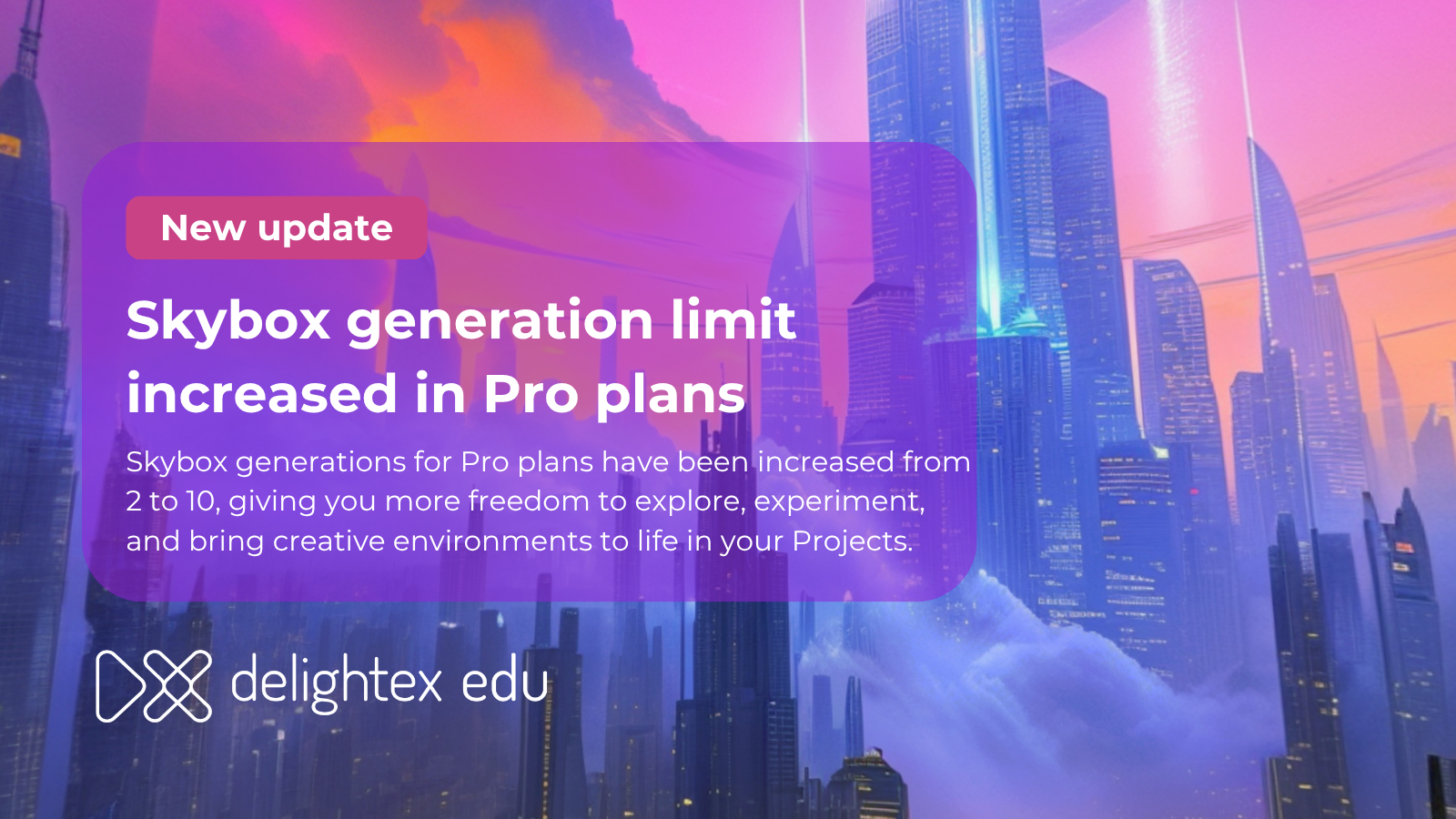
The limit for AI-generated 360° images for Pro plan users has increased from 2 to 10 per seat, giving you more room to experiment with different environments and visual settings.
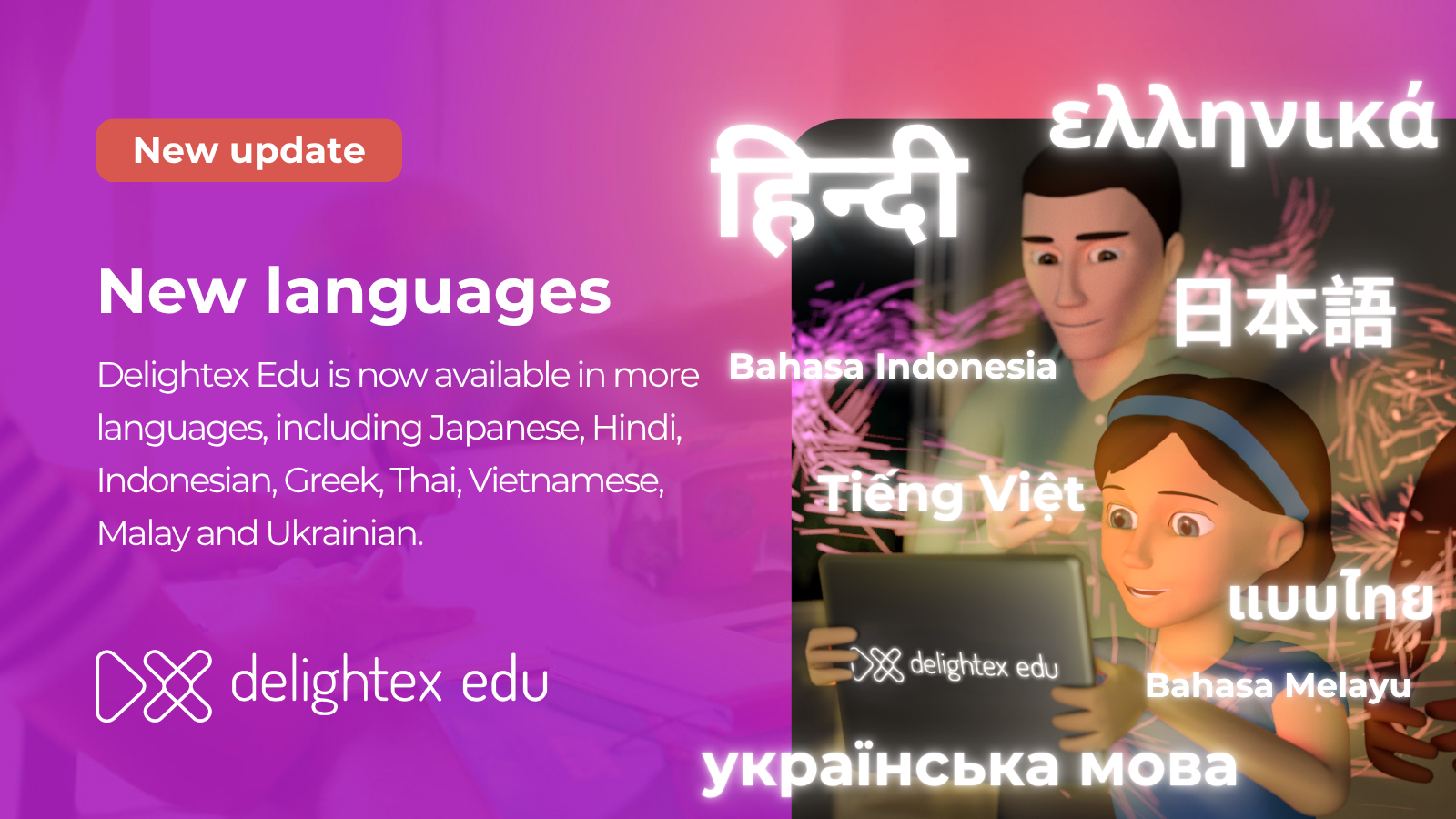
Delightex Edu is now available in eight more languages: Greek, Hindi, Indonesian, Japanese, Malay, Thai, Ukrainian, and Vietnamese, making the platform more accessible to students and teachers around the world.
District admins now have expanded management rights at the school level, including the ability to manage teachers and classes more directly within school license plans — reducing the need for extra handoffs between roles.

Delightex Edu is an online platform for kids that’s used in schools all around the world and that can easily be used at home and on any device.
Kids get access to a creation toolbox to build anything in 3D, a visual coding language to program their creations, and fun ways to explore what they’ve created, including Virtual and Augmented Reality!
Learn more about Delightex Edu on delightex.com/edu