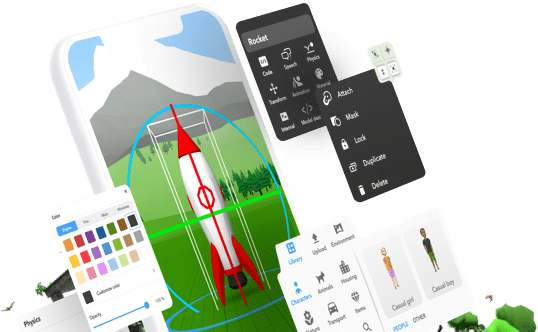
Delightex Edu has always been a place where students learn by creating — designing 3D worlds, building interactions, and coding behaviors in a hands-on, visual environment. That foundation hasn’t changed. What has changed is the world around it. As digital literacy is evolving and AI becomes an essential part of how students think, work, and create, we’re taking a natural next step by introducing AI as a powerful extension of that foundation. These new AI capabilities are woven into the core of the platform itself, making AI something students can see, shape, and experiment with inside the worlds they build. At its core, Delightex Edu remains what it has always been: a platform for action, creation, and real digital skills, now amplified with AI to help students build more, explore deeper, and prepare for the future.
And just as always, safety comes first: Delightex Edu uses structured, age-appropriate AI designed specifically for K–12, with clear boundaries that support responsible and confident exploration.
This update marks the beginning of a new AI feature series. Below, we’re introducing the first set of AI tools available today, and it’s just the start of what’s coming next in Delightex Edu.

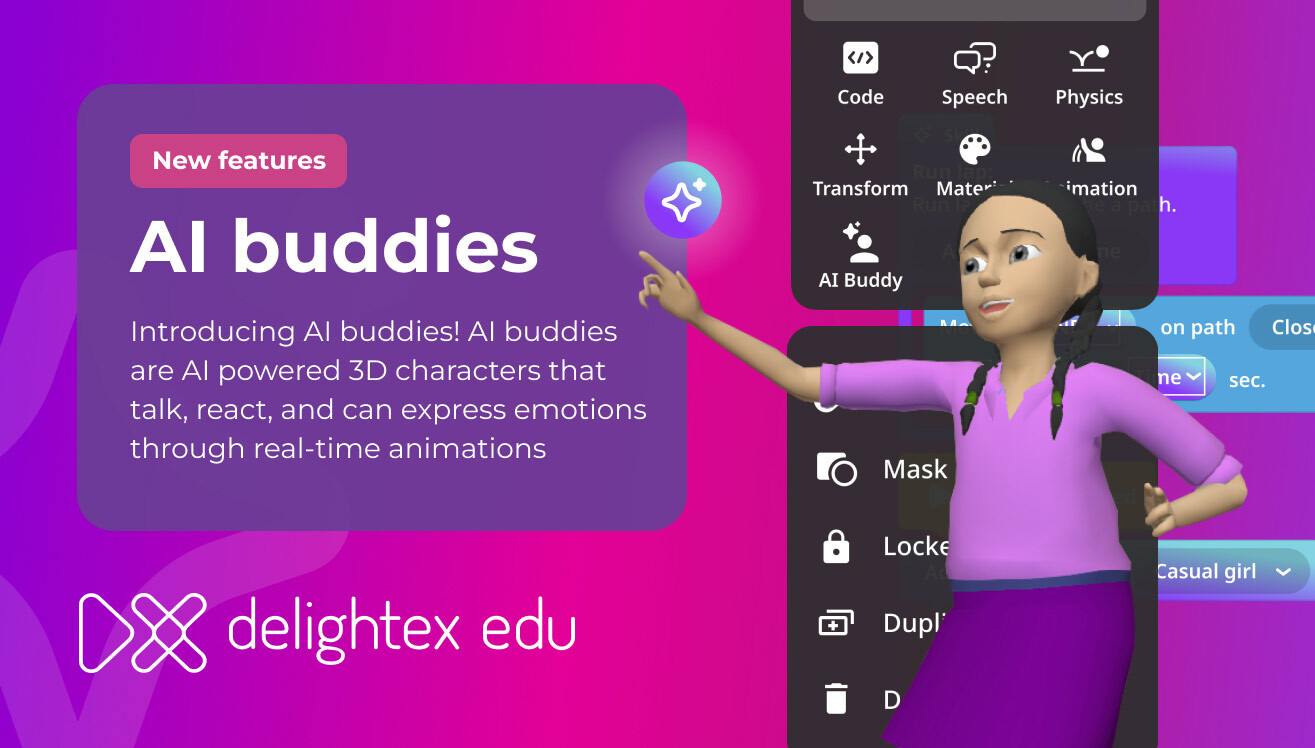
AI Buddies are AI-powered 3D characters that can talk, react, and express emotions through real-time animations. Available to Pro and Trial users, they’re defined by a short prompt, they can act as guides, tutors, or storytellers, bringing student-created worlds to life and making interactions more dynamic and unpredictable.
AI Buddies can respond with expressive animations, making interactions feel lively and believable. Moreover, interactions can be triggered automatically based on proximity, so AI Buddies engage when a player enters a defined area within the scene. Rest assured, safety is built in throughout: teachers control access at the license, class, or student level, while guardrails, Content Guard, and AI History ensure all interactions remain age-appropriate and transparent.
Learn more about AI Buddies here.
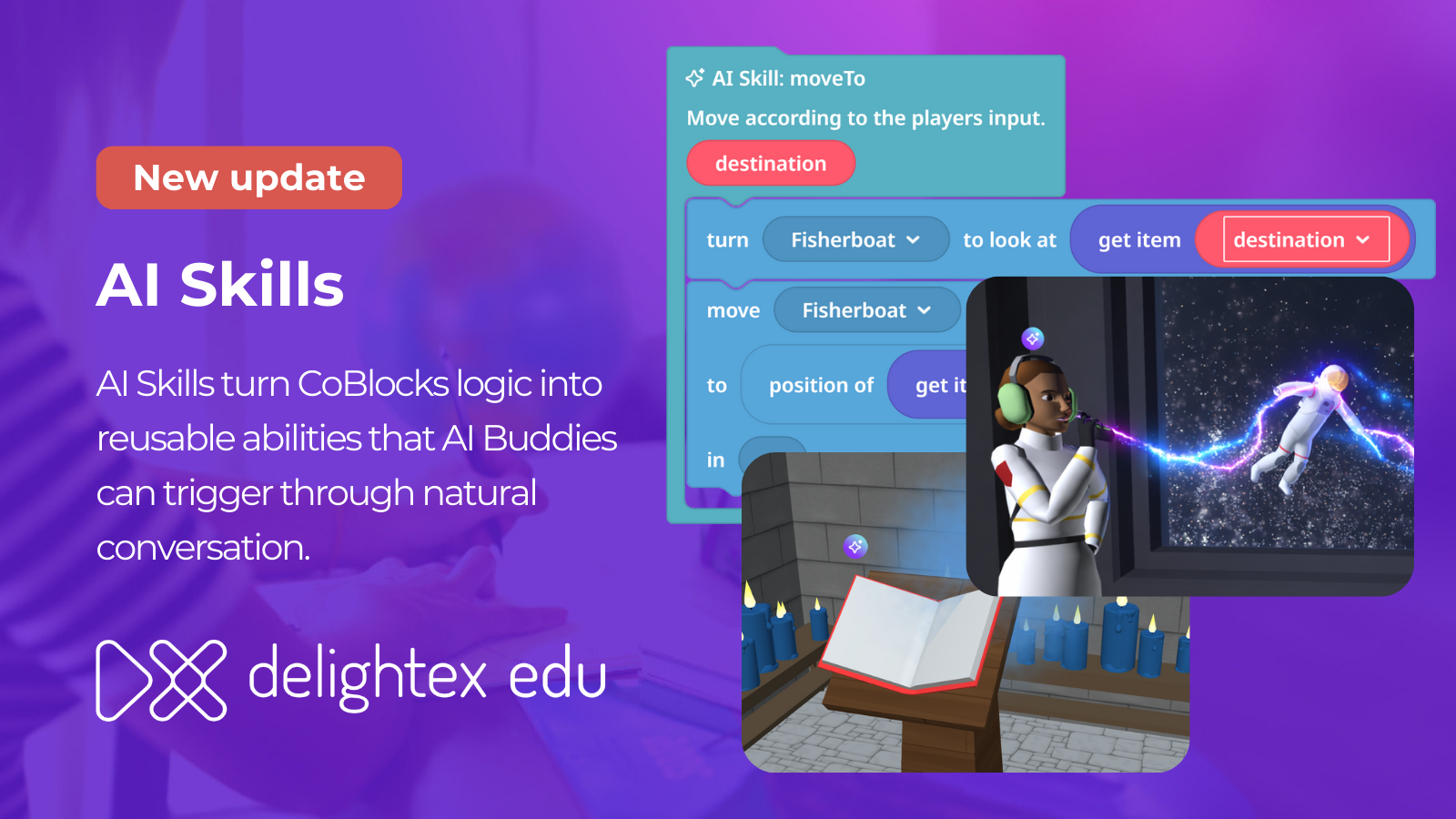
AI Skills are actions students design using visual coding and assign to AI Buddies, allowing characters to respond to dialogue with meaningful actions. This deepens interaction inside student-created stories, and enables much broader learning experiences.
Built on CoBlocks, AI Skills combine visual logic with simple prompts. Students still design the rules (defining conditions, testing behaviors, and refining outcomes) while characters respond more naturally. This introduces a new form of coding that blends computational thinking with AI literacy, helping students understand how intelligent systems interpret intent rather than just triggering events.
Learn more about AI Skills here.

Through our Skybox integration, AI-generated 360° images can now be created directly inside 3D scenes, not only in Tours and 360° scene types. With a single checkbox, any 3D scene can also be switched into a fully immersive 360° environment.
.png)
When you log in to your Delightex Edu account, you’ll notice a fresh new Home area. The new layout brings recent Projects, Classes, and key actions together in one place, creating a more personalized and efficient workflow for teachers. A new spotlight section has also been added to the Home page, highlighting important features, updates, and actions so you can quickly discover what’s new and what matters most.
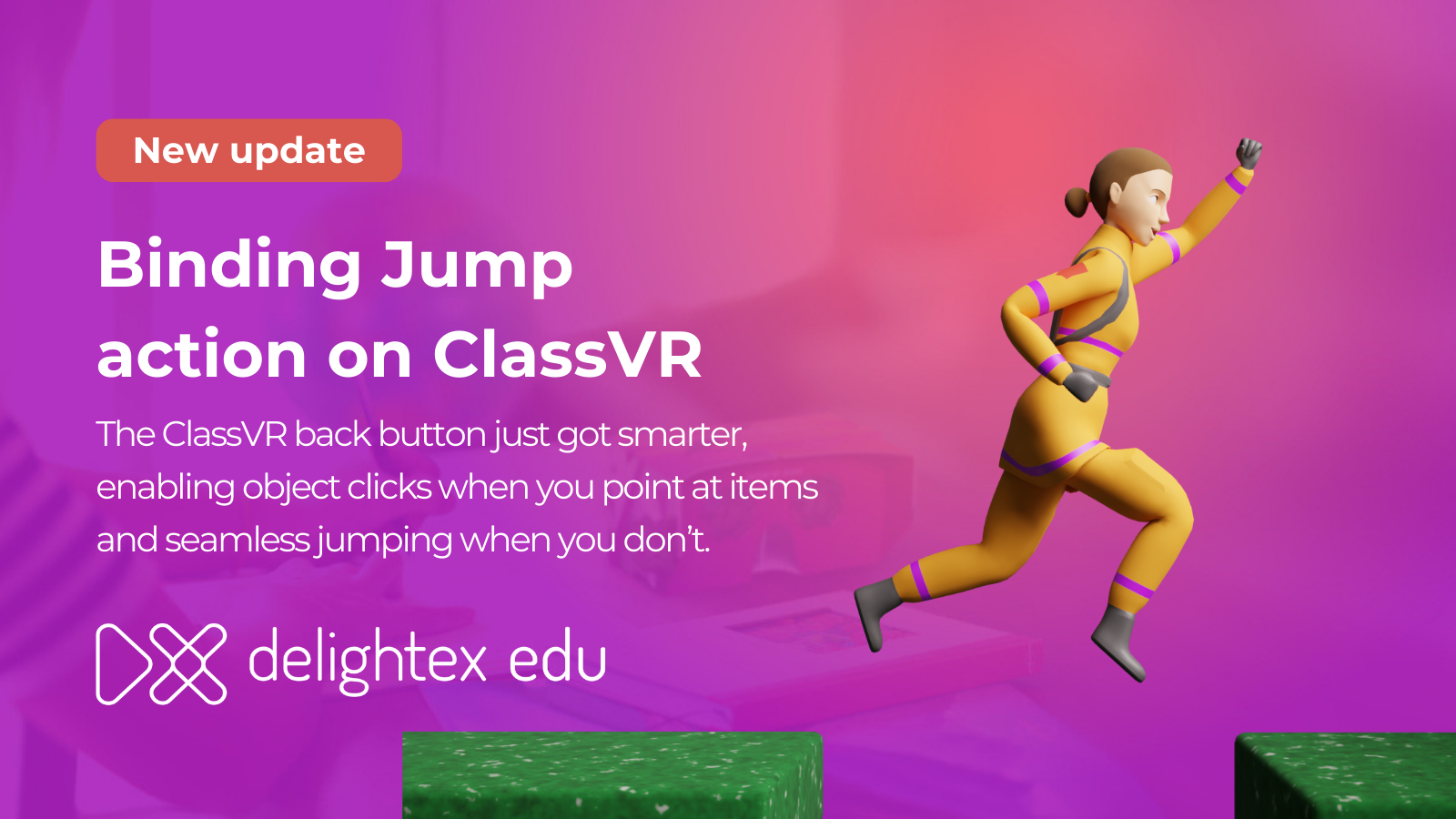
The Jump action is now fully supported on ClassVR headsets via the back button, improving navigation in VR scenes:
When using ClassVR headsets, pointing at an interactive item and clicking will trigger its assigned action, just as expected. If no clickable object is in focus, the same input automatically activates the Jump action instead, allowing you to move through the scene effortlessly without changing controls or breaking immersion.
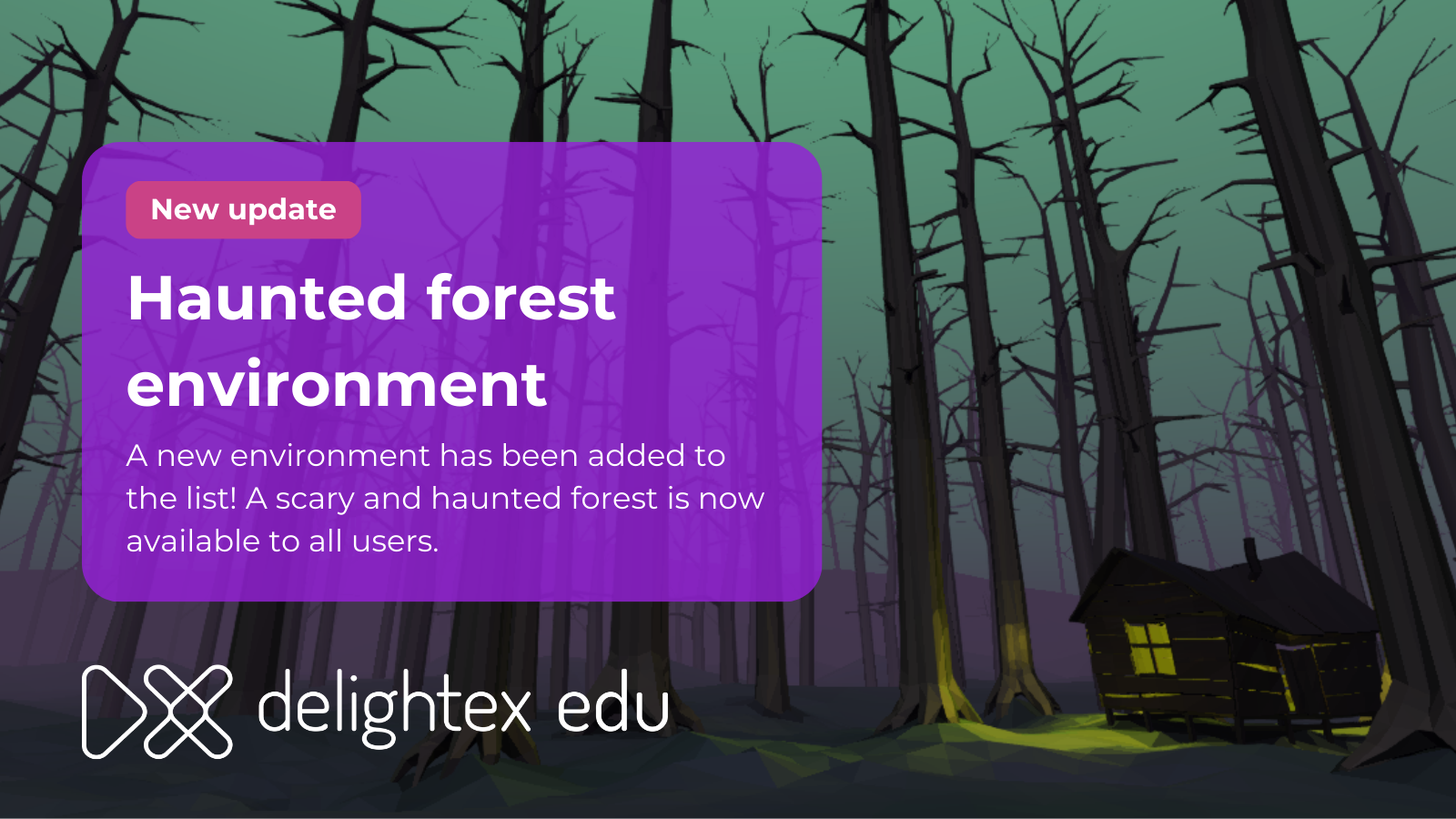
A brand-new environment has joined the library! The Haunted Forest offers a spooky, atmospheric setting and is now available to all users.

When a scene contains sound but is muted, the sound icon will now blink gently, letting you know audio is available.
.png)
The Sound item makes it easy to bring scenes to life with recorded or imported audio, allowing you to build richer, more immersive environments. Available to all users, it can be added directly from the Library under Special or by simply dragging and dropping a sound file into the editor. You can choose whether audio plays automatically or on demand, loop sounds for continuous background or ambient effects, and fine-tune how sound behaves in the scene: Volume controls the main playback loudness of the sound within the Sound item’s defined radius, while Ambient Volume determines how much of that sound remains audible outside its range, acting as a soft background layer so scenes never feel silent. Together, these settings help create a natural balance between nearby and distant sound, adding depth and atmosphere to your creations.
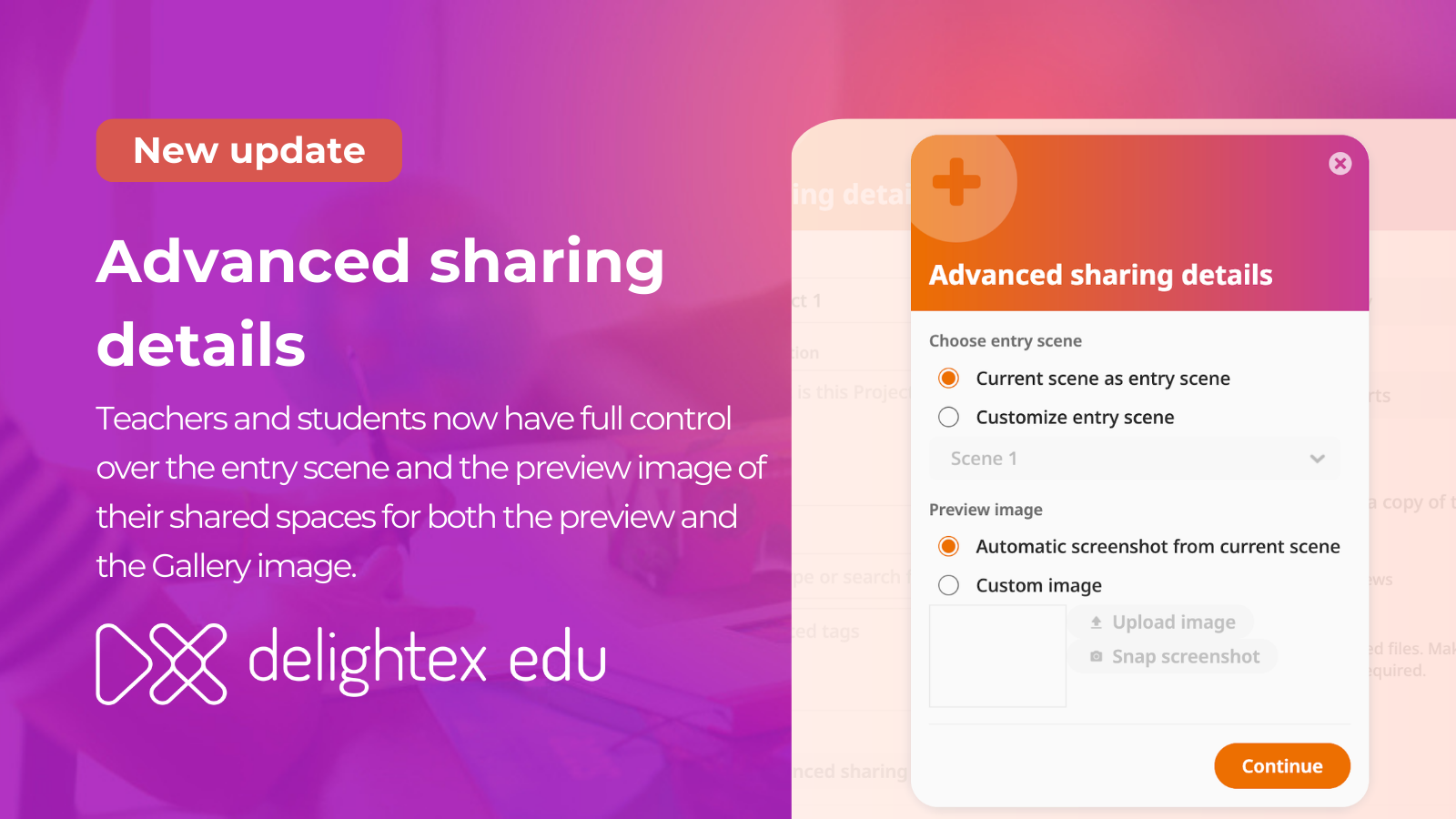
Shared Projects now support custom entry scenes and preview images, helping your work stand out and look more polished in the Gallery.
And this is only the beginning. Throughout 2026 and 2027, we’ll continue rolling out new AI-powered features, so stay tuned as Delightex Edu keeps evolving, expanding, and unlocking new ways to create and learn.
Delightex Edu is an online platform for kids that’s used in schools all around the world and that can easily be used at home and on any device.
Kids get access to a creation toolbox to build anything in 3D, a visual coding language to program their creations, and fun ways to explore what they’ve created, including Virtual and Augmented Reality!
Learn more about Delightex on delightex.com/edu