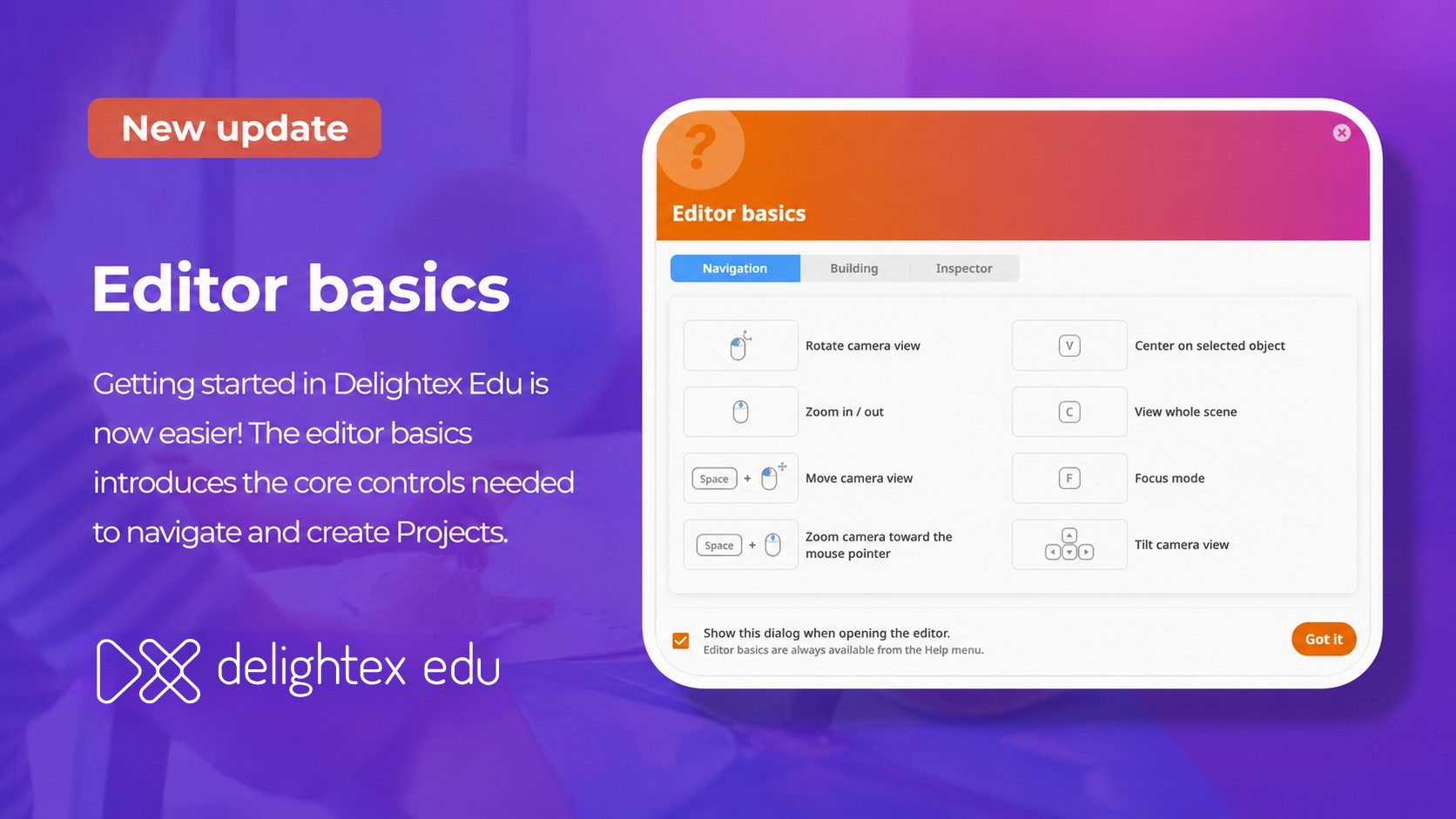
Getting familiar with the Delightex Edu editor is now easier with the new Editor basics guide.
The guide introduces the essential controls users need to navigate the editor and begin creating. It opens automatically when teachers create a new Project and when students create a new Project in Playground, helping everyone get started with greater confidence.

QR codes on shared Project pages can now be expanded with a click. The larger view makes them easier to scan, especially when opening Projects with VR headsets.
District admins can now create and manage API keys directly in Delightex Edu, making it easier to connect the platform with supported services such as ClassVR.
Admins can create multiple API keys, give each one a clear name, and regenerate or delete them when needed. For security, a new or regenerated key is shown only once, so it should be copied and stored safely before closing the window.
The Delightex Edu Pro trial now lasts 14 days and includes up to 25 seats.
The trial gives teachers an opportunity to explore the platform, create Projects, and test Delightex Edu Pro with a group before selecting a suitable plan.
We’ve also fixed bugs and made additional improvements across Delightex Edu to provide a smoother and more reliable experience.

Delightex Edu is an online platform for kids that’s used in schools all around the world and that can easily be used at home and on any device.
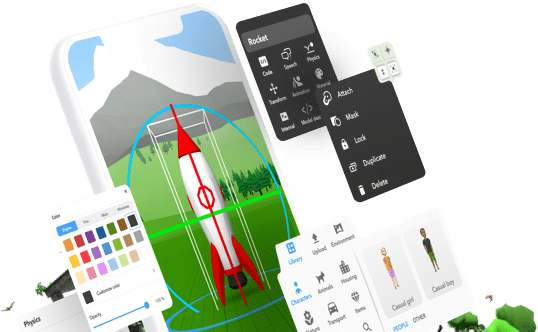
Kids get access to a creation toolbox to build anything in 3D, a visual coding language to program their creations, and fun ways to explore what they’ve created, including Virtual and Augmented Reality!
Learn more about Delightex Edu on delightex.com/edu