Skip to content

Walkable room visualization

Walk through
your room
before it’s real.

Create a walkable 3D room in minutes. Start with a photo, a floor plan, or video stills, then explore your space at life-size scale to see how it could look and feel.

✓ No 3D expertise needed · In your browser

Your ideas. Room to play.Reset ↺
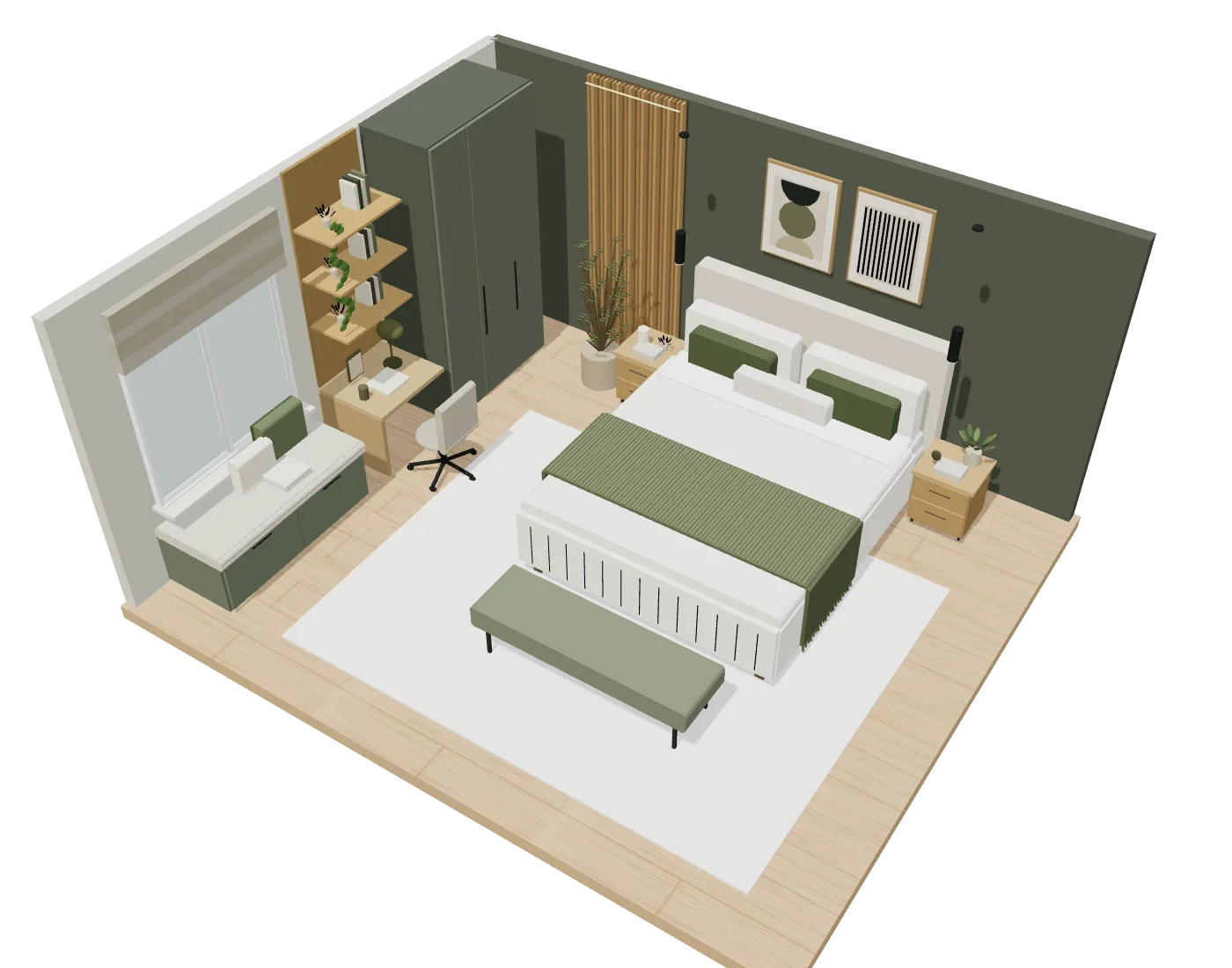
Cutaway of a bedroom with olive walls, oak furniture and a cream bed
Drag the room to rotate
Drag it or use the arrows
Thank you! Your submission has been received!
Oops! Something went wrong while submitting the form.

Drag to rotate. Try a finish, move a piece, or walk inside.

Move it. Style it. Make it yours. This is just the start in Nova.

More than a view. A space you can change.

Try the idea.
Feel the difference.

AI creation, editable objects and a walkable room in one place. Go from “what if?” to seeing it in the space, before you commit.

3D bedroom cutaway showing the furniture layoutMake space for everyday lifeMove a piece ↗

Will it work in my room?

Try the bigger bed. Add a desk for working from home. Compare layouts, then walk through your renovated room to get a feel for the space around your furniture.

A better layout starts with a different position.
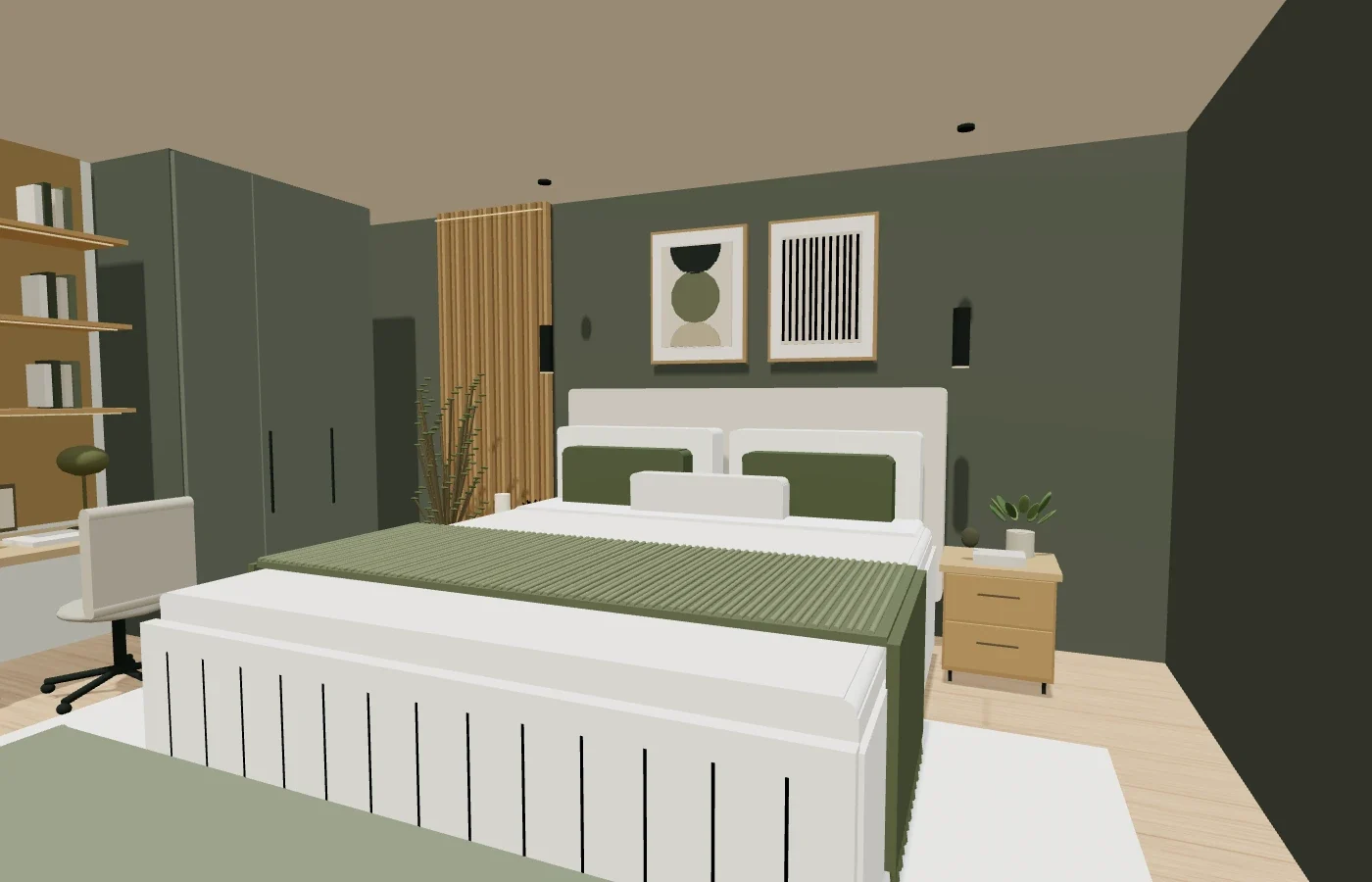
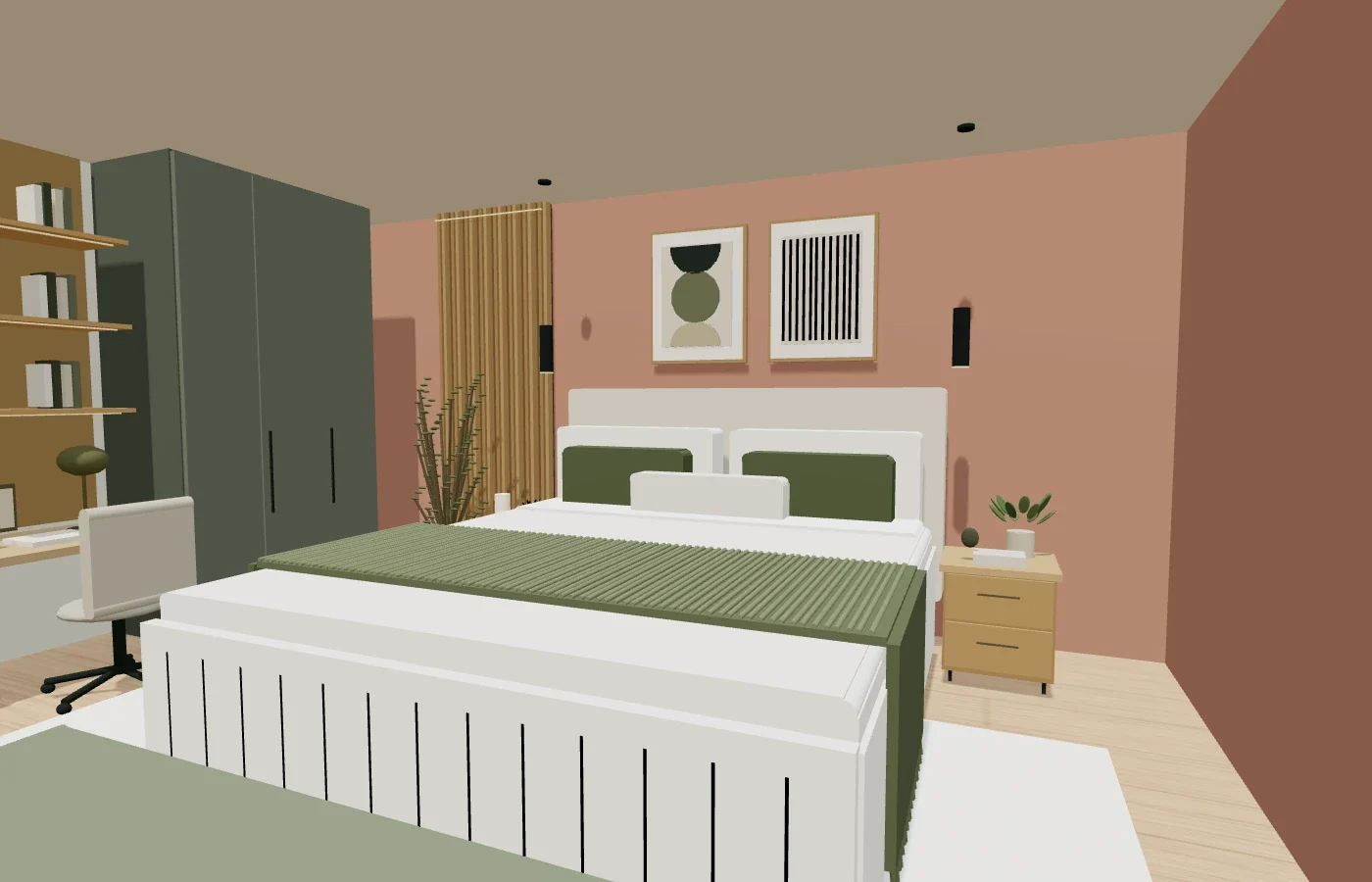
The bedroom at eye level with olive wallsSame room. A different feeling.

Make it yours. Every detail.

Change the floor, try a new material, or experiment with light. Recreate furniture you own or imagine the piece you wish existed. Keep refining with a prompt.

Olive or clay? Try a warmer glow.
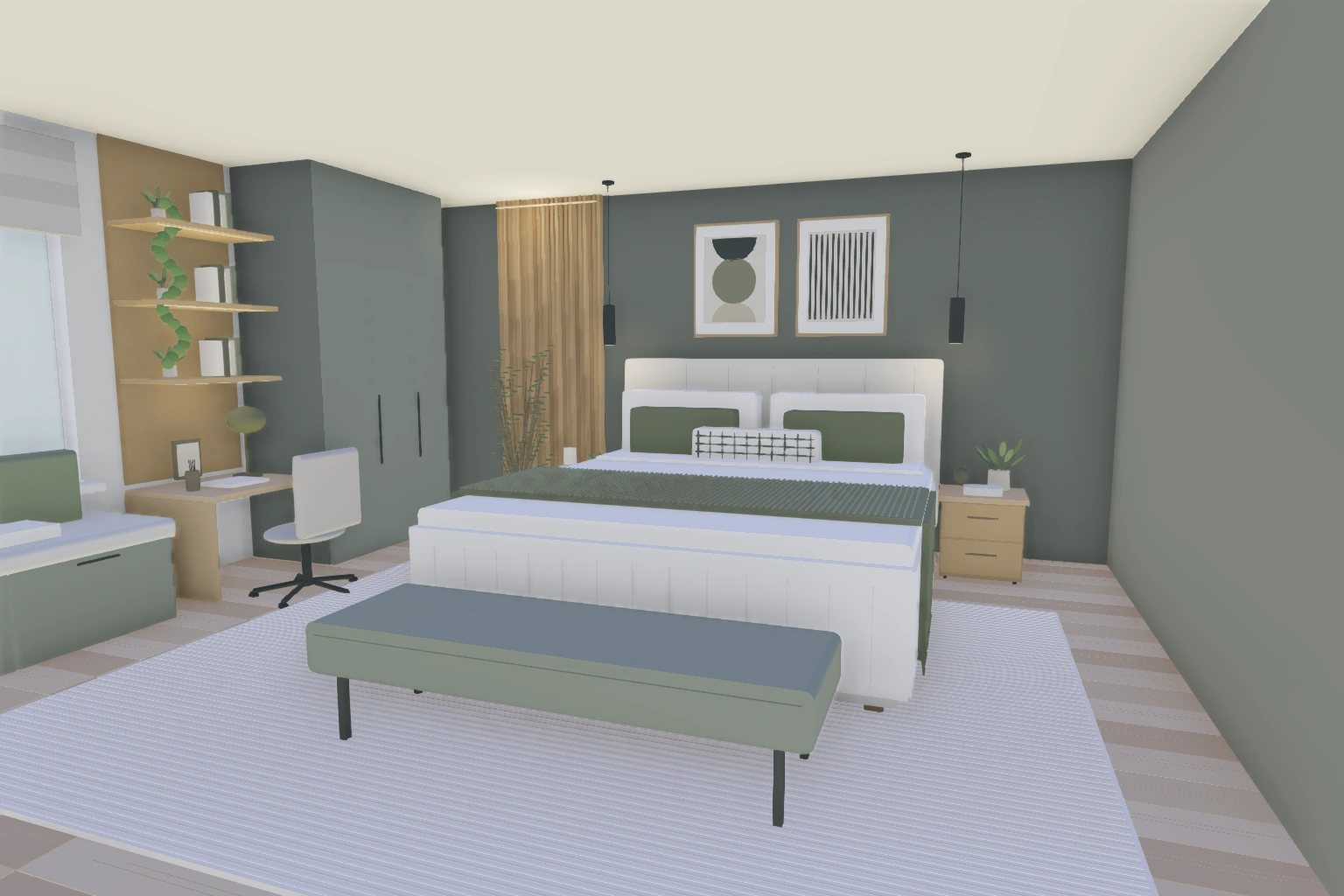
A view from inside the 3D bedroom at human eye levelSee it from where you’d standStep inside ↗

Help someone see the potential.

Walk clients through a design. Show buyers how an empty property could feel furnished. Add interactive options so clients can try finishes or configurations themselves.

Let people experience the idea you’re presenting.

Start with what you have

From a reference.
To a room you can enter.

Use a photo, a 2D floor plan or frames from a video as your reference. Build a first version with AI, then explore and refine it at human scale.

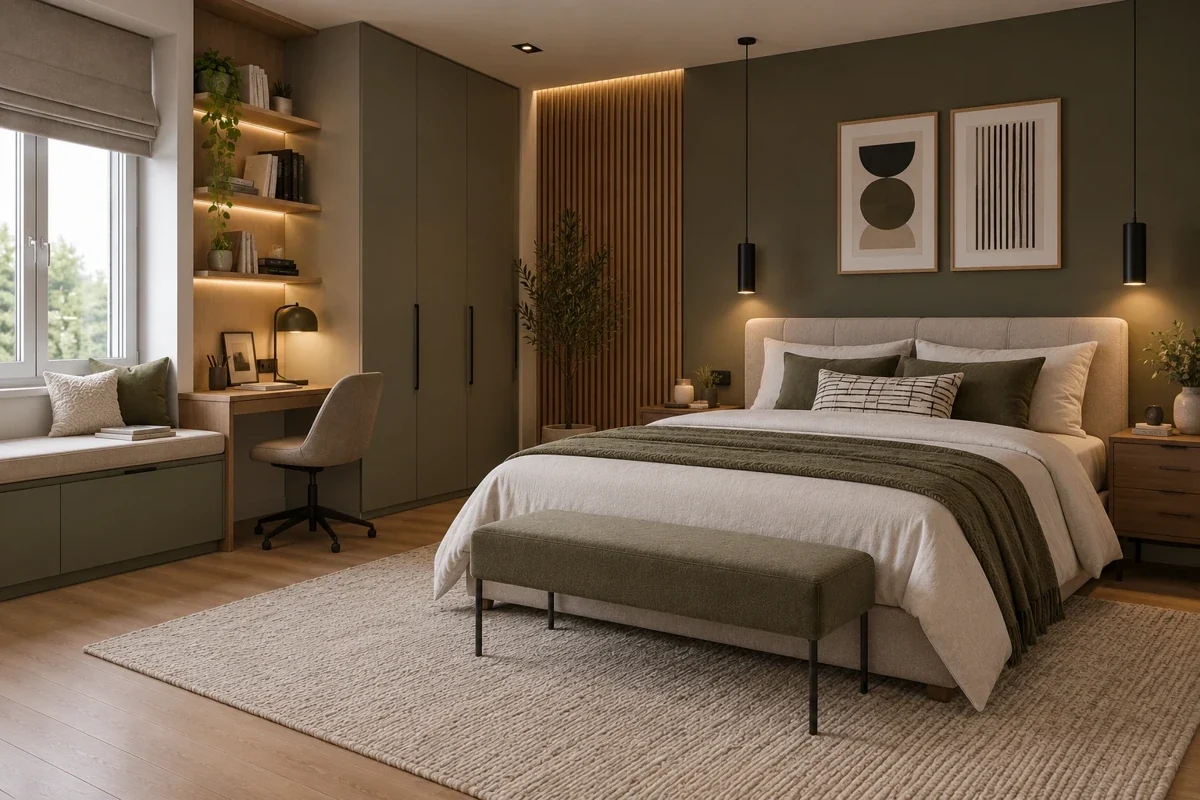
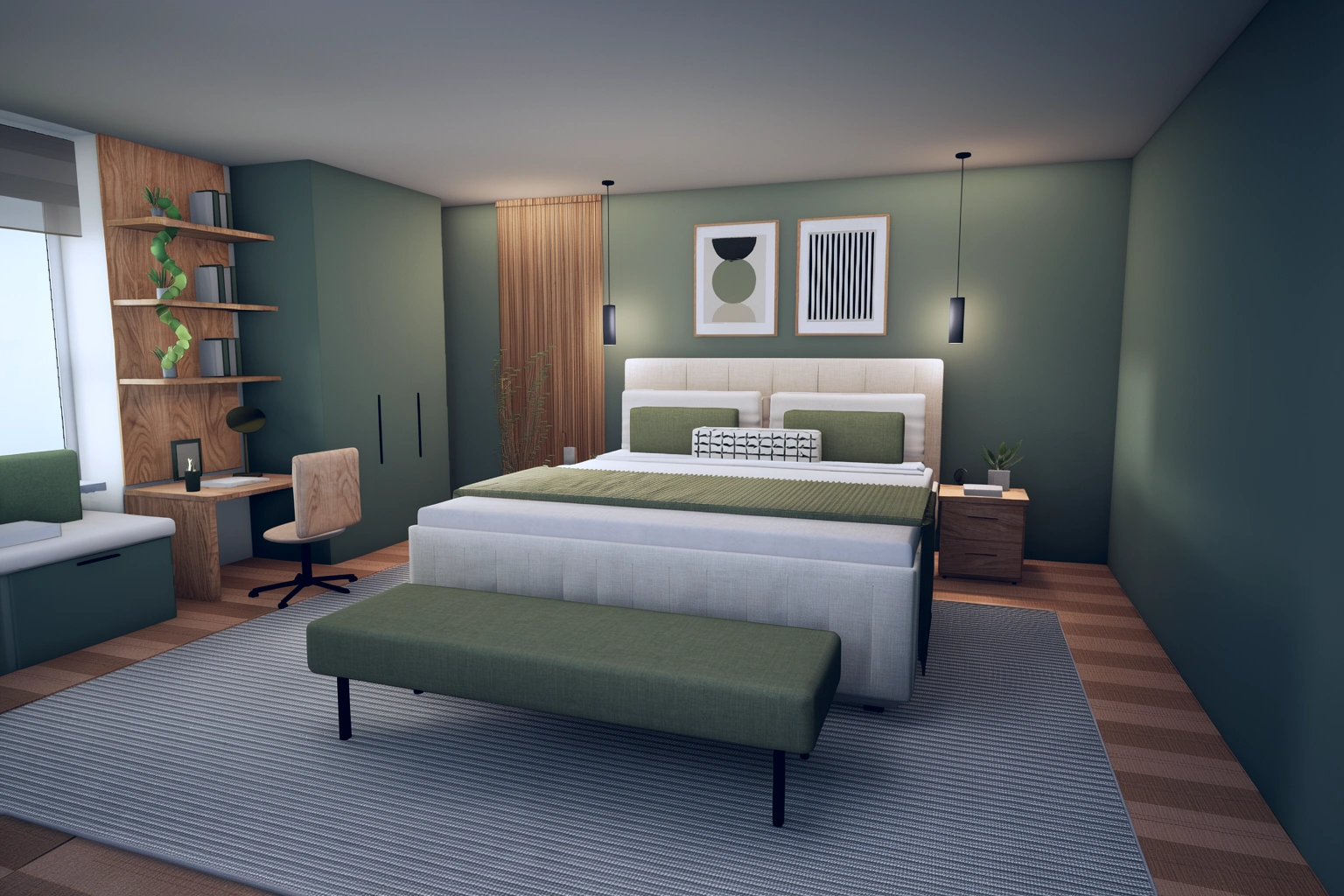
Reference image of an olive and oak bedroom used to create the Nova room
01 / A photo

Start with the room you see.

Give your AI tool or Room Generator an image and a prompt. Get an editable 3D starting point.

Try Room Generator
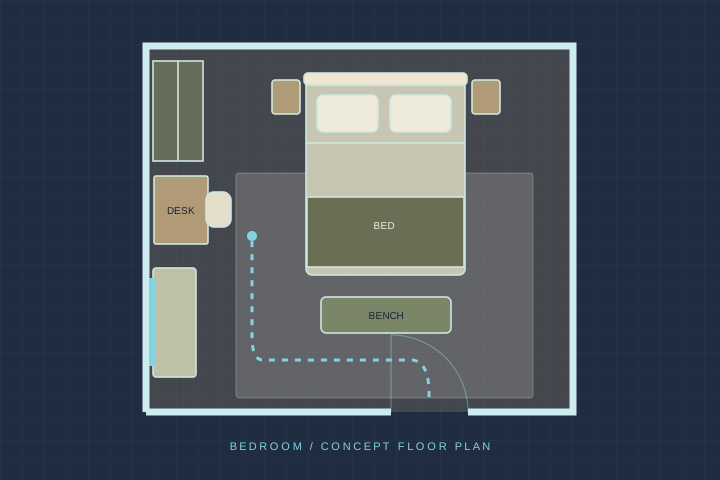
Concept floor plan of the same bedroom, with a bed, bench, desk, wardrobe and window seat
02 / A floor plan

Turn a 2D layout into a place.

Use your plan to build a 3D room. Walk through at human scale to better understand the layout.

Illustrative plan of the bedroom above
Photo in motion · 6 sec
03 / Video stills

Bring more of the room into view.

Take a few clear frames from a room video. Use those views to guide your creation.

Motion preview of the bedroom above

You bring the idea. Nova brings it into 3D.

Start with a prompt.
Keep going in 3D.

You don’t need to know how to model a chair or build a room. Describe what you want, then change individual objects, materials and interactions as your idea grows.

The bedroom with clay-colored walls
Describe your next change

“Give the walls a warm clay finish. Keep the furniture.”

A few words. A new direction to explore.

Made in Delightex Nova

Real spaces.
Ideas you can step into.

A furnished 3D loft with a lounge and work areaOne space. Five ways to make it yours.
JapandiIndustrialMediterraneanMaximalistLuxury

Find the look that feels like you

Empty Loft → 5 Interiors

Start with the same empty loft. Furnish it in 3D, then explore Japandi, industrial, Mediterranean, maximalist and luxury styles. Compare five directions with the architecture and layout as your starting point.

Same space. A whole new personality.

Your 3D room. Ready for its close-up.

Build the space.
Give it a realistic finish.

Choose a view of your 3D room. Turn it into a polished 2D render with Smart Snapshot. Explore warmer light, richer materials or a whole new style for your next design presentation.

Realistic AI render based on the same fixed Nova bedroom view The green-walled bedroom recreated as a 3D scene in Delightex Nova

Move your cursor to compare · or drag the handleSwipe the divider to compareUse ← → to compare

From the same Nova camera view.
Illustrative AI render created for this preview.

Pro tip: one room, five different moods.Keep your view and try “Japandi calm,” “Mediterranean warmth” or “boutique hotel.” Compare the images, then bring your favorite ideas into your editable 3D room.

Try Smart Snapshot

Your room. Your ideas. In 3D.

Find a layout
you’d love to live in.

Try your ideas in 3D and see what feels right for your space.

Build my 3D room