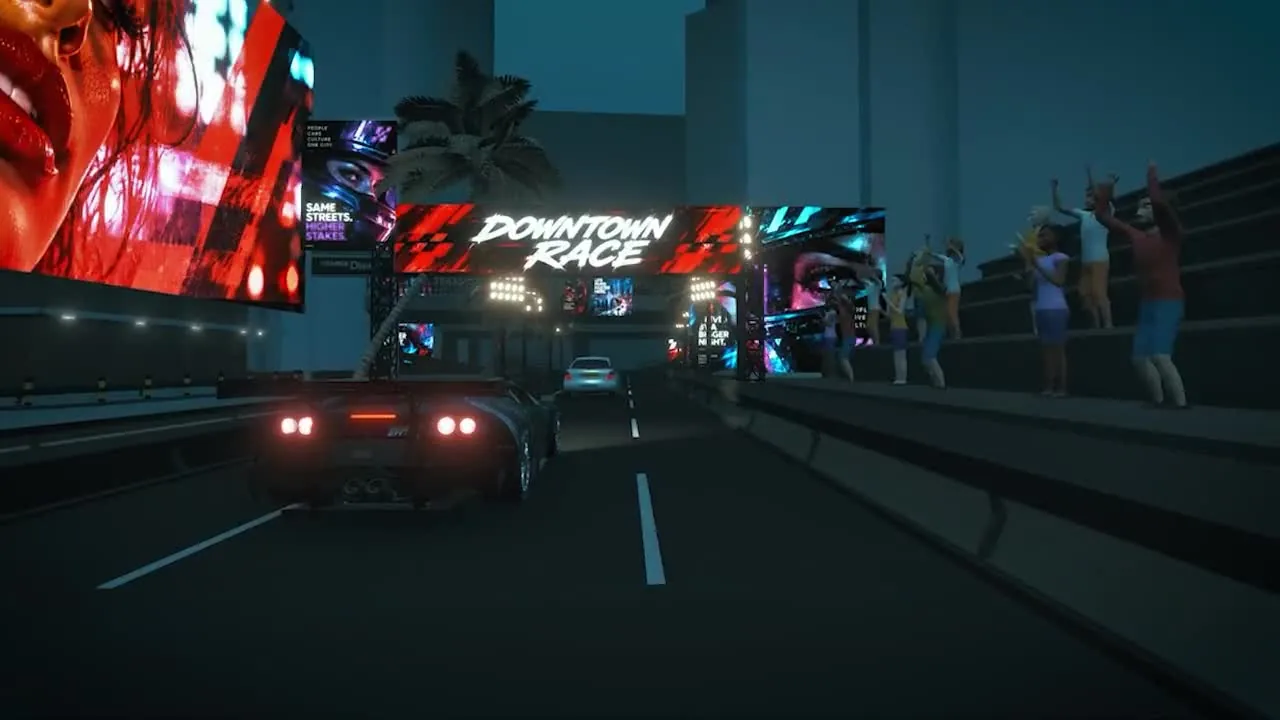
Go beyond a flat storyboard.
See depth, distance, and movement together. Move the camera around your scene to understand what fits in frame and what stays hidden.
Find the shot without moving a real camera.


Video previsualization
Plan action, camera movement, and timing in 3D before you commit to production.
Block a chase. Test a reveal. Show a client how a scene will play. Turn your idea into a moving 3D preview with Delightex Nova.
✓ No coding skills needed✓ In your browser
Put the idea in space.
See what the audience sees.
Make the moment land.
What if we shot it like this?
A close-up makes you feel the reaction. A view over the shoulder reveals the discovery. A wider shot puts it all in context. Try each angle.
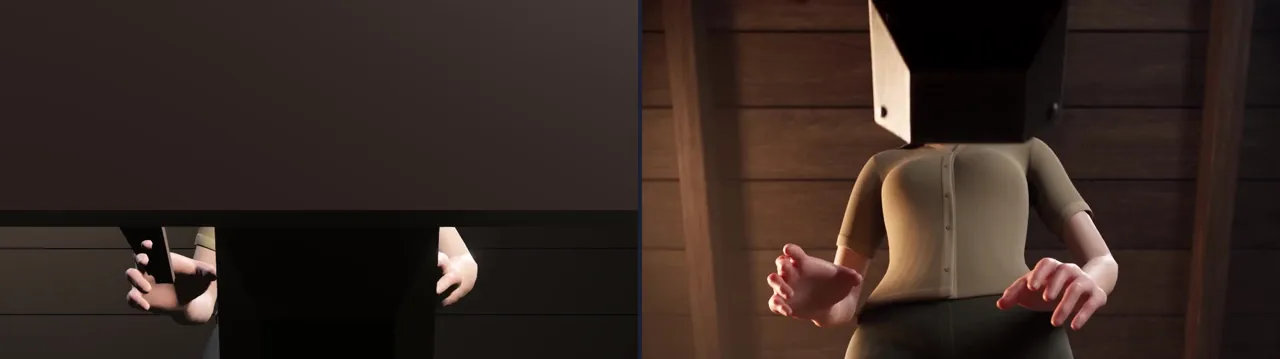
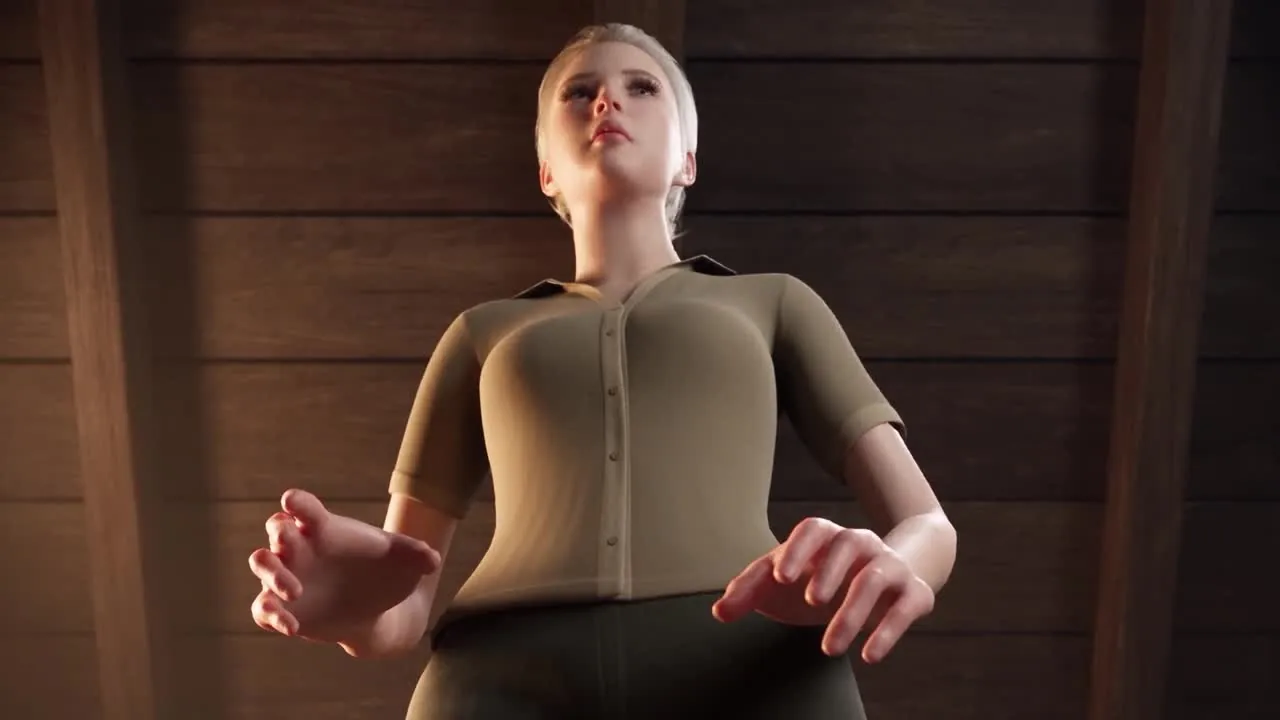
Stay close to her face and hands. The audience feels the discovery before seeing what is inside the chest.
Look past her shoulder into the chest. Let the audience share the discovery and see what draws her attention.
Step back to see the character, the chest, and the room together. Make the action and the space around it easier to read.
Watch the reaction, the reveal, and the observer together. Choose what the audience should notice first.
Your scene. Your control.
Move a character. Reposition a prop. Adjust the camera, movement, and timing. With an editable 3D scene, you can change the details that shape the story and see how they work together.
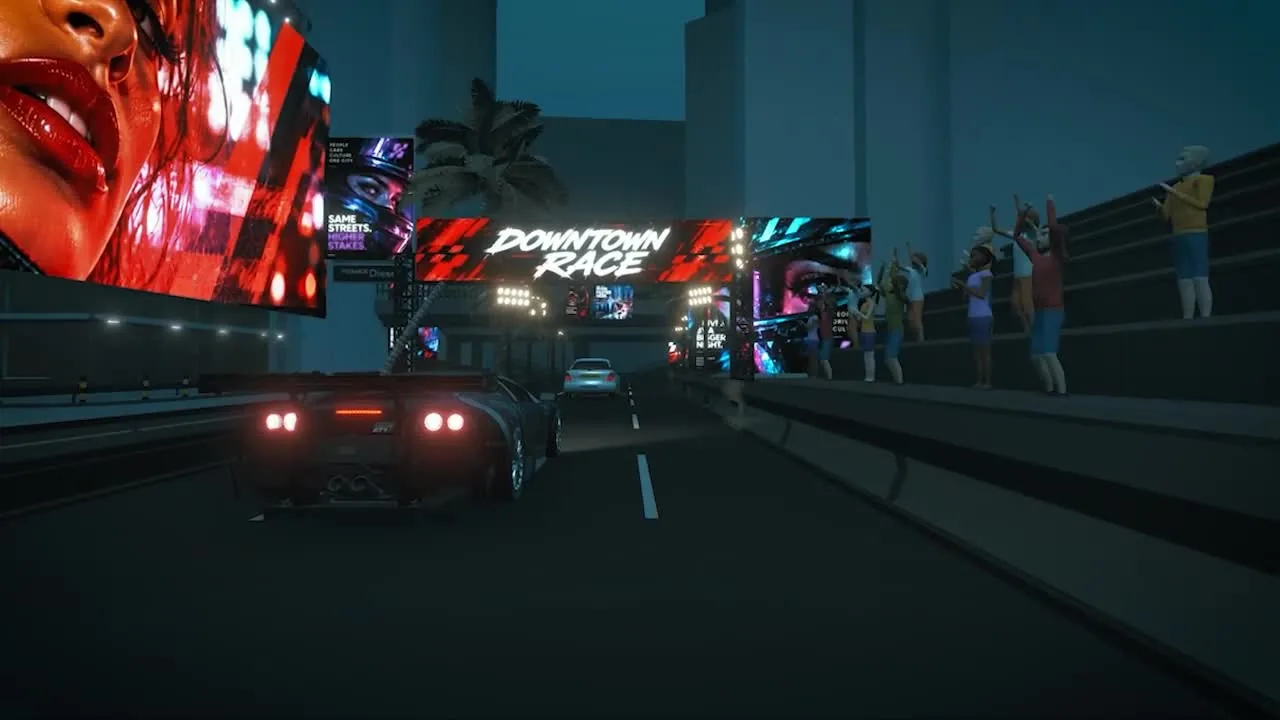
Try one variable: switch the car’s speed and feel how the chase changes.
More freedom to create
Build a quick spatial preview, make a specific change, and try again. Nova brings scene building, AI assistance, and creative iteration into your browser.
See depth, distance, and movement together. Move the camera around your scene to understand what fits in frame and what stays hidden.
Find the shot without moving a real camera.Work with an editable 3D scene. Reposition a character, move a prop, or change the camera while keeping the rest of your setup.
Make one change. See what it changes.Duplicate a scene and test another direction before building a set or booking a shoot. Use AI to help with the setup, without writing code yourself.
Keep version A. Explore version B.From the first idea to a shared direction
A scene your crew can plan around. A direction your client can picture. A sequence you can test before the next take.
 For filmmakers01 / THE REACTION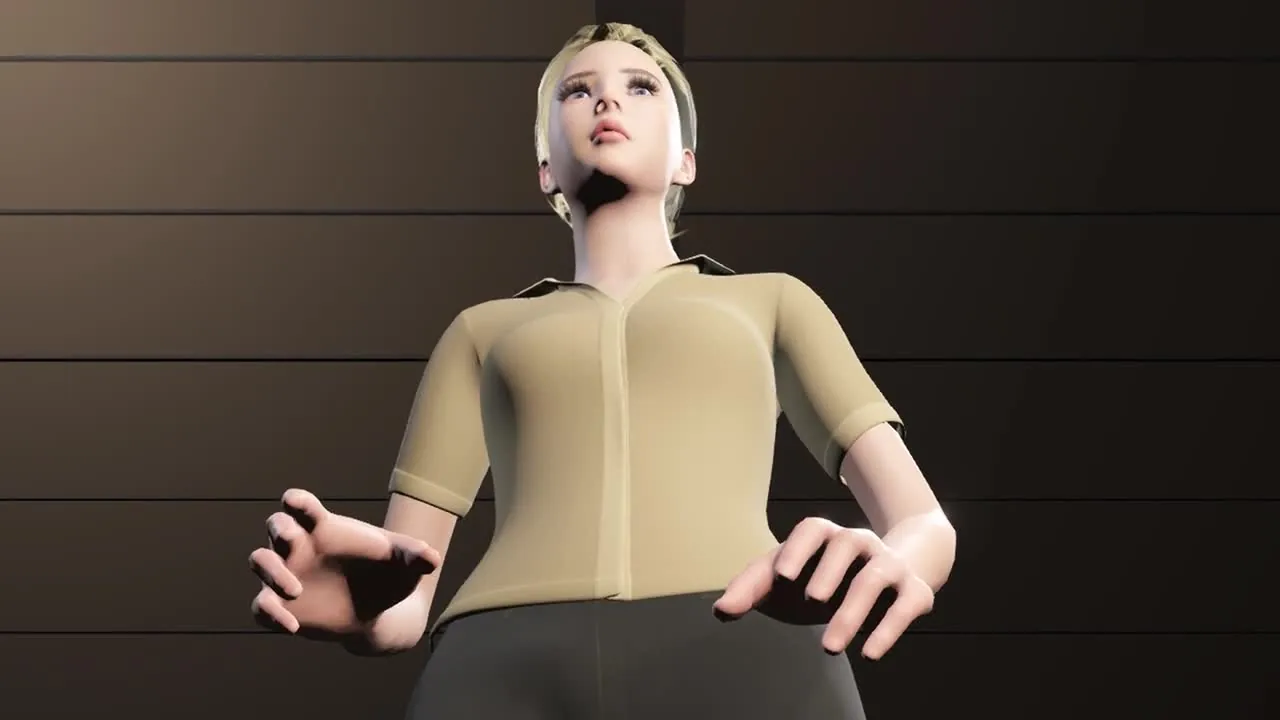
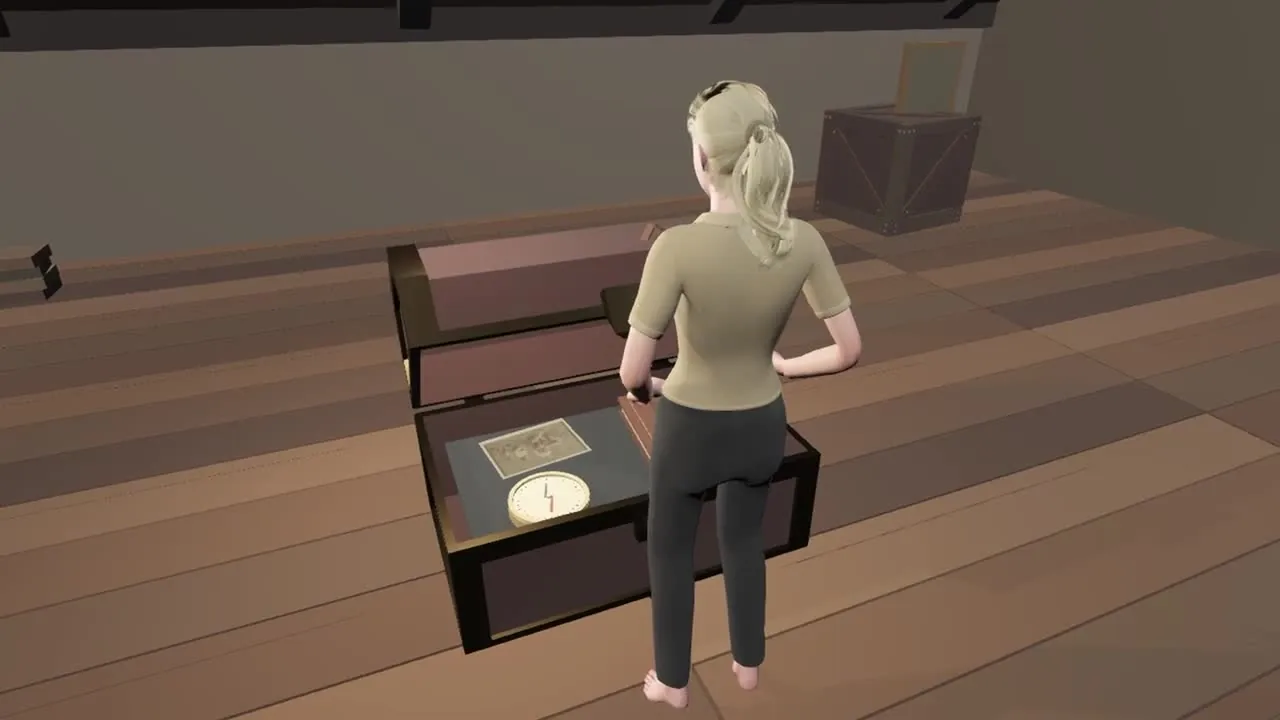
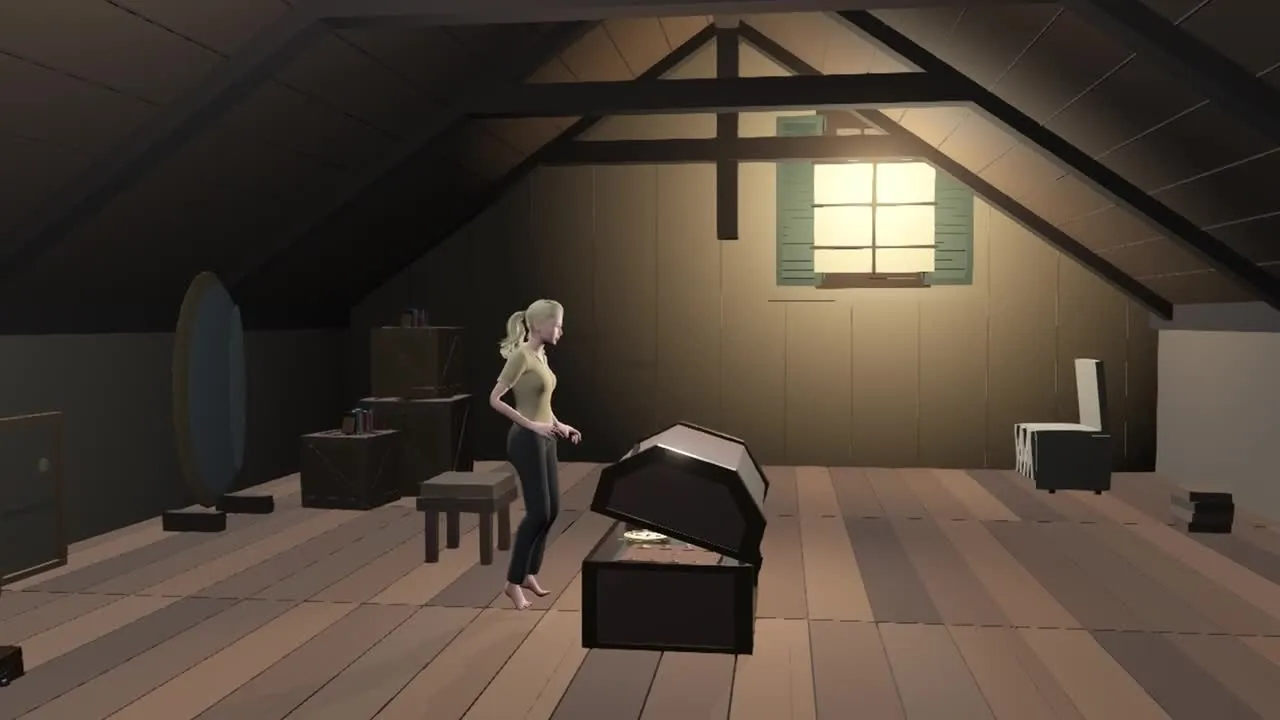
Block the actor’s movement, explore the camera angles, and show exactly when the reveal should happen.
Walk onto set with a clearer shot plan.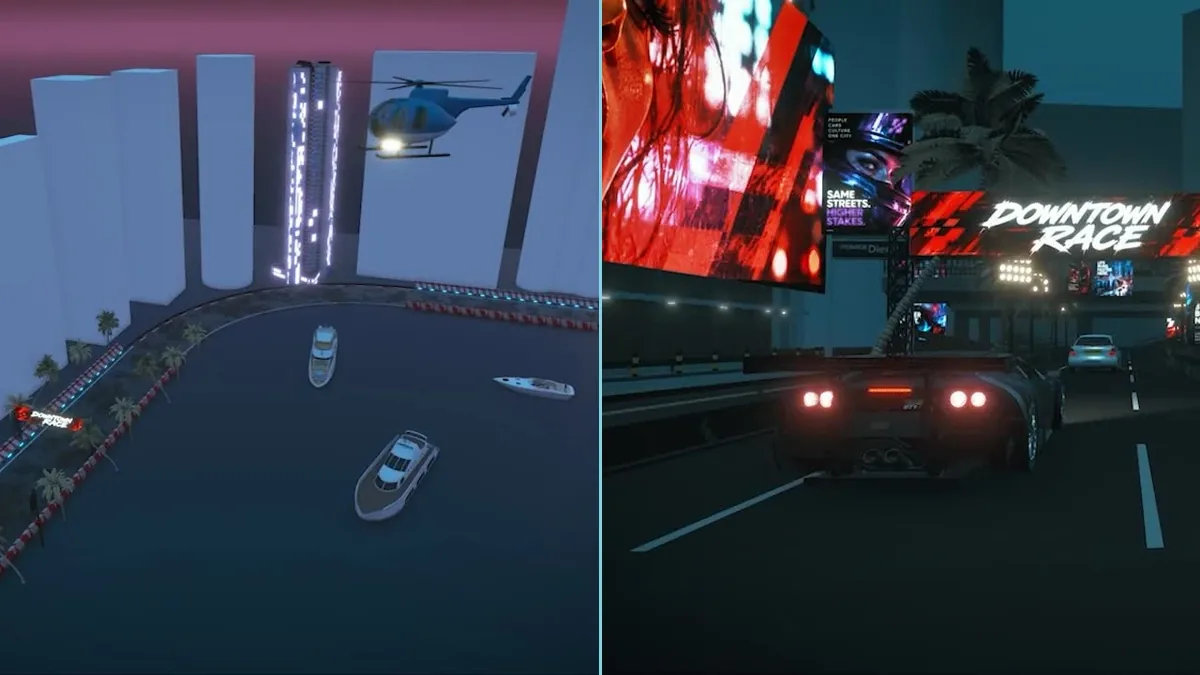 For agencies & brands
Make the pitch something they can see.
Turn a treatment into a spatial preview. Show the action, compare approaches, and agree on the direction early.
A more concrete conversation before sign-off.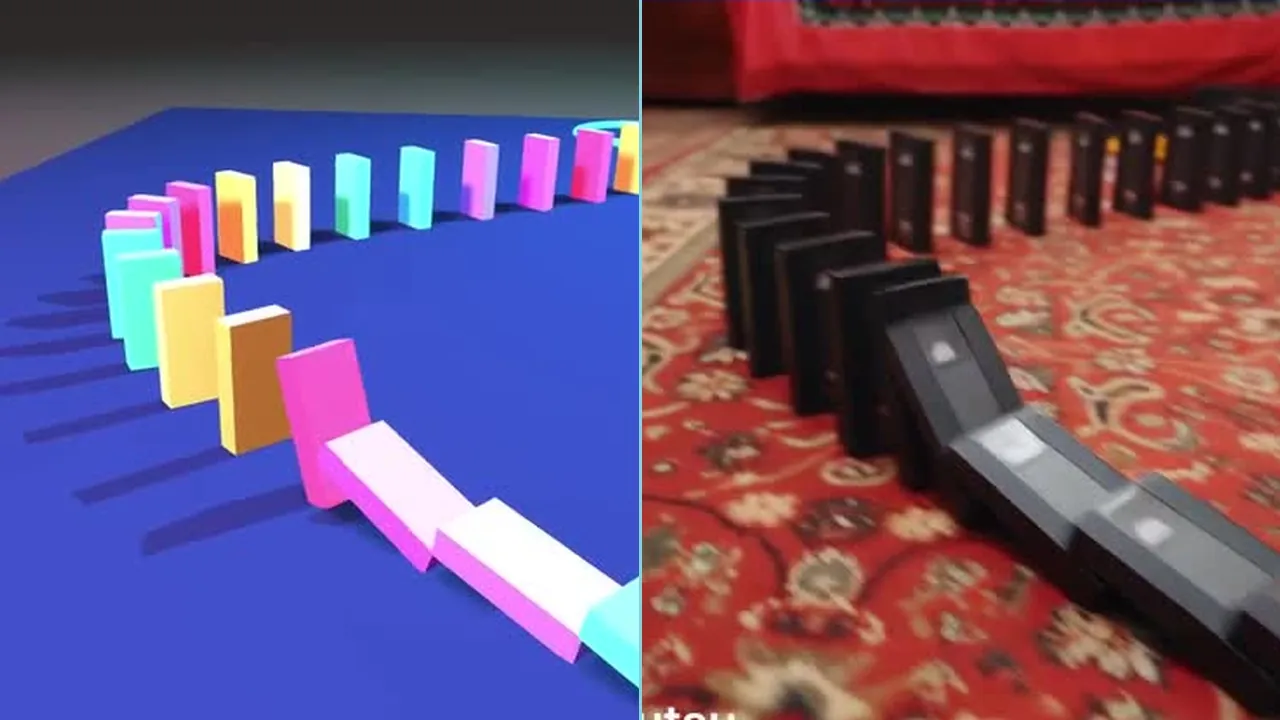 For video creators
Find the hook before the next take.
Try the chain reaction, the camera move, and the timing. Use your 3D preview to guide a shoot or a video treatment.
Test another version while it’s easy to change.Start with a prompt. Keep directing.
Describe the setting, the action, and the camera you have in mind. Let Dexi or your connected AI assistant build a starting point, then refine it in Nova. No coding skills needed.
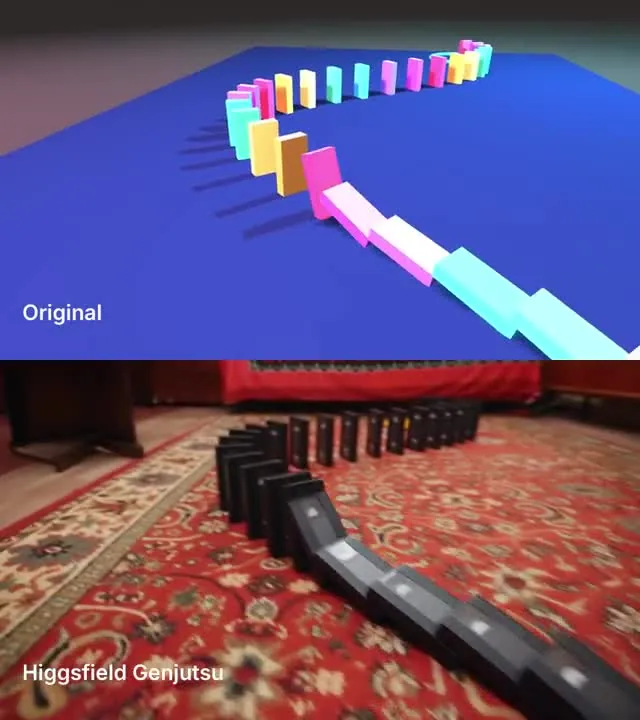
Simple shapes. A stronger starting point.
A row of blocks becomes a chain of falling cassettes. Start with the movement, spacing, and camera in 3D, then use that preview as a reference for a creative video treatment.
You can test how the action unfolds before investing in the final visual direction.
Explore the scenes behind the shots
Take a closer look at the 3D setups behind these creative directions.
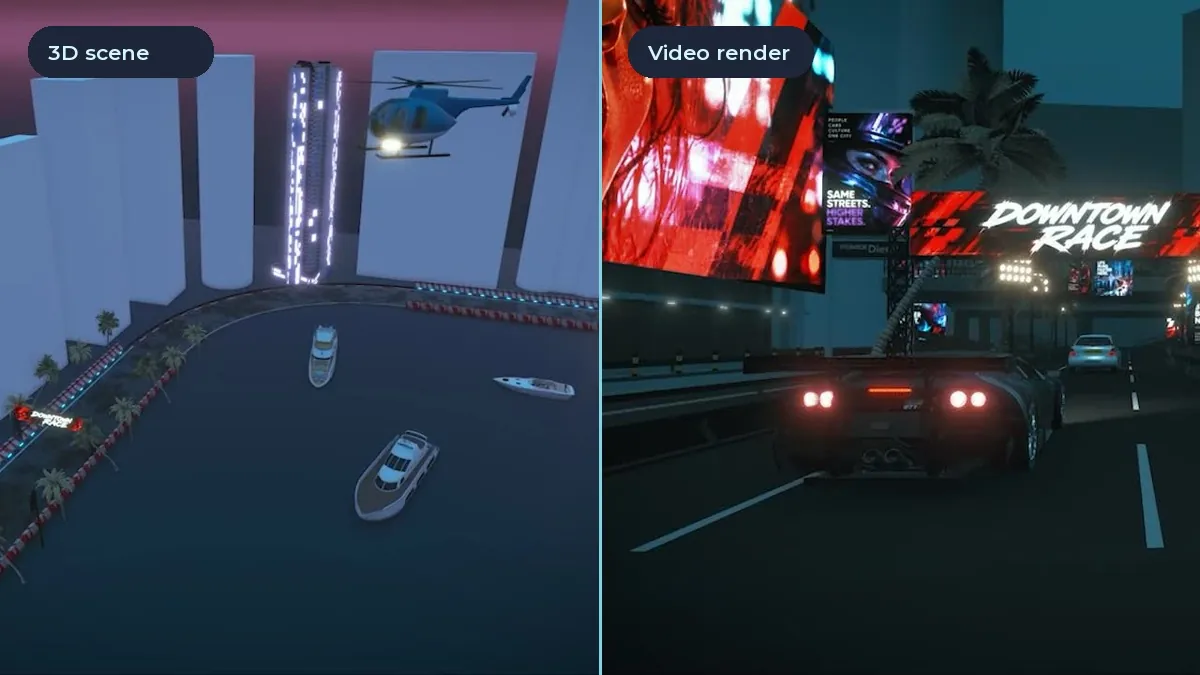
Action, movement & camera
Explore the space behind a city chase. See how a simple 3D setup becomes a reference for a cinematic sequence.
Open the Project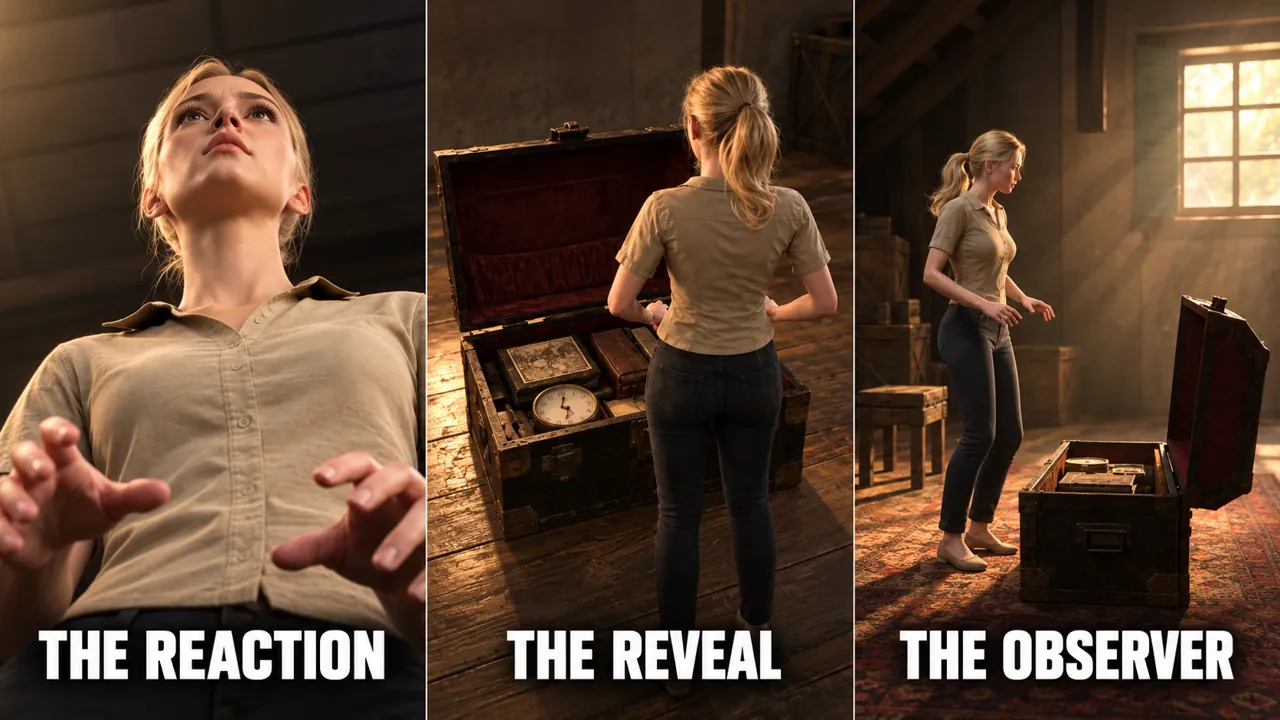
One action, three perspectives
A character, a chest, and a moment of discovery. Explore how the camera changes what the audience feels and knows.
Open the ProjectYour next shot starts here
Try the action, the angle, and the timing.
Give your next production a clearer starting point.
No coding skills needed · In your browser
Copyright © 2026 DelighteX GmbH. All rights reserved.