Choose what viewers see
Choose the angle, move the parts and focus on the detail that answers your audience’s question.




3D explanatory video maker
Help people see what words alone can’t explain.
Reveal what’s inside. Show how it works. Connect every step. Turn complex ideas into clear 3D explanations with Delightex Nova.
Create my 3D explainerThree ways to make it clear
Reveal hidden parts, connect cause and effect, or follow a process. Choose an example and try it for yourself.
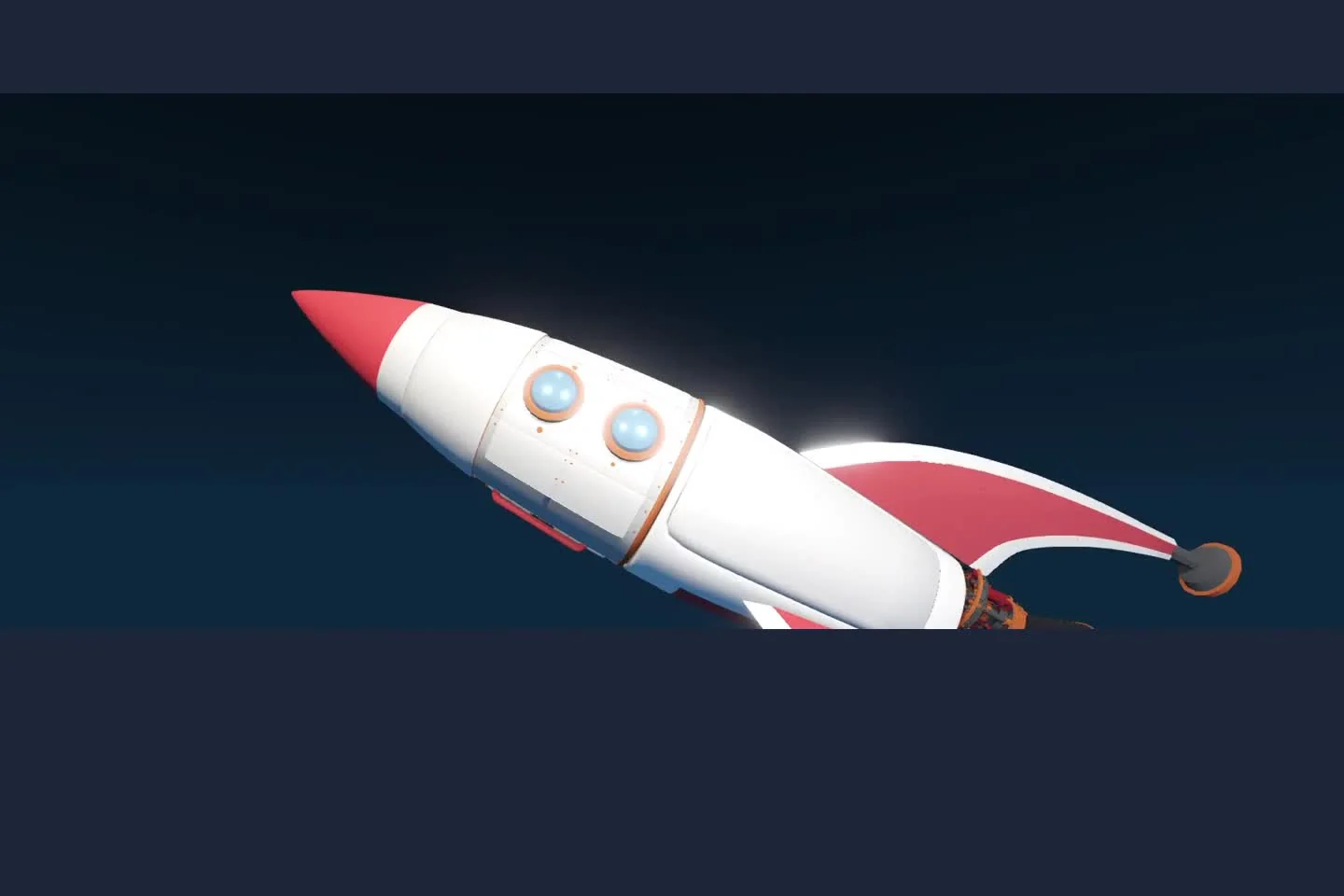
A rocket’s exterior only tells part of the story. Move closer, open a module and show how the parts connect to the whole.
For product demos, technical explanations and science lessons.
Open the 3D Project in Nova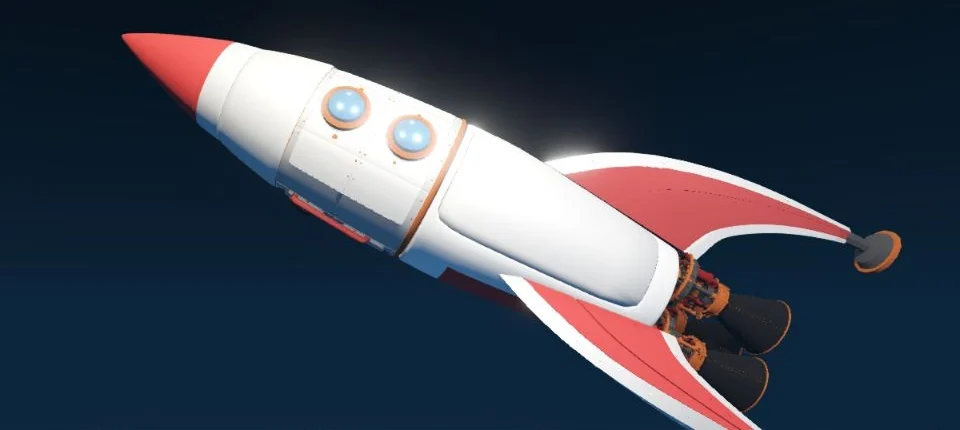
Start with the whole rocket. Give each detail a place in the bigger picture.
Replay view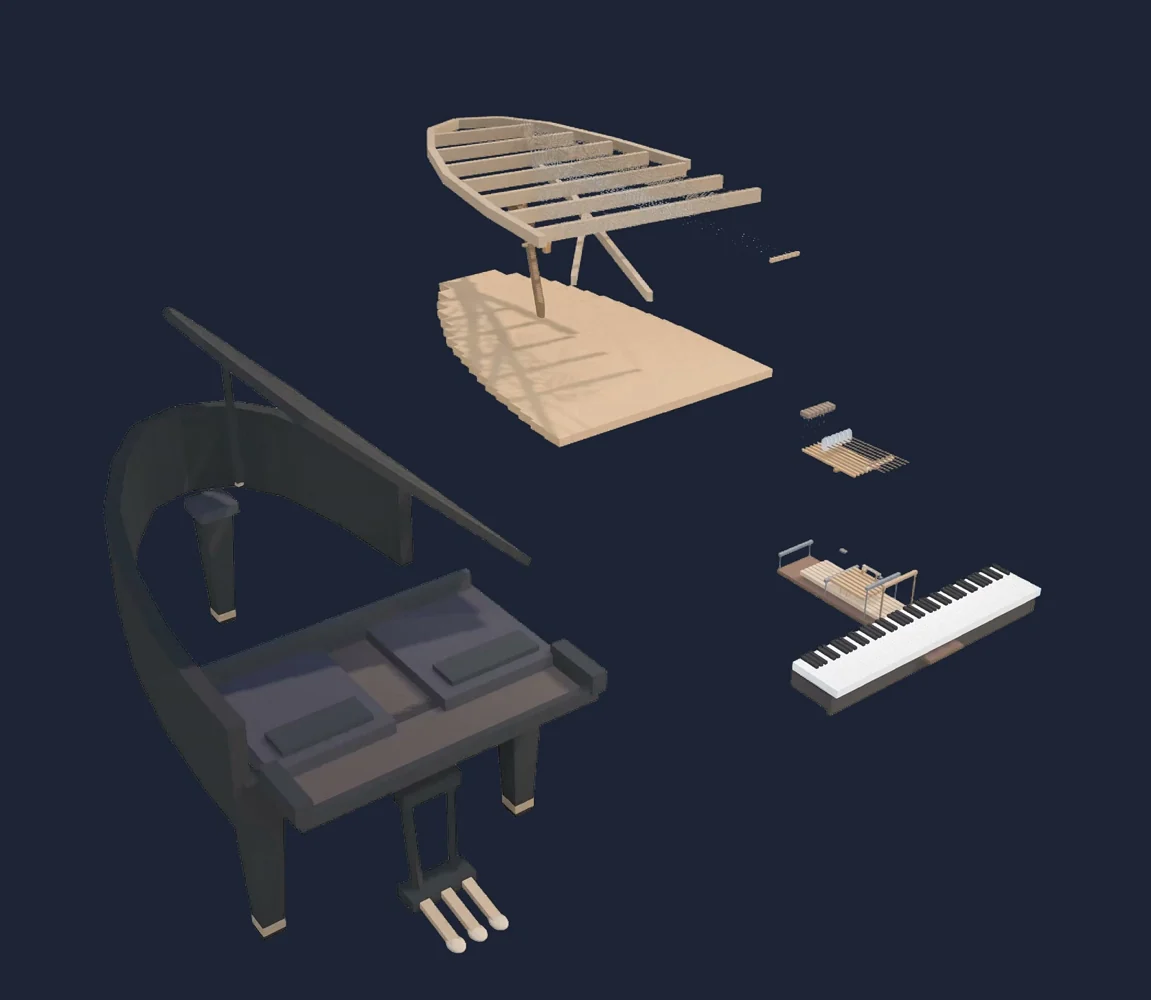
Slide to assemble
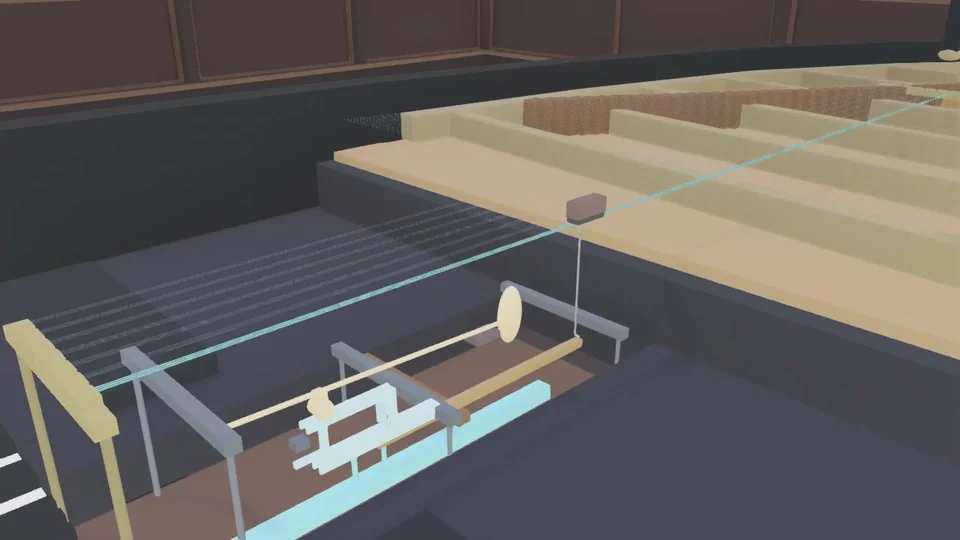
A closed piano hides the structure behind the sound. Slide between the complete instrument and its separated layers to see how they fit together.
Move at your own pace. Bring the parts together, pull them apart, and make their relationships easier to understand.
Press a key and follow the action from the keyboard to the strings. Slow it down to see the movement, then try the sustain pedal to compare what happens when you release the key.
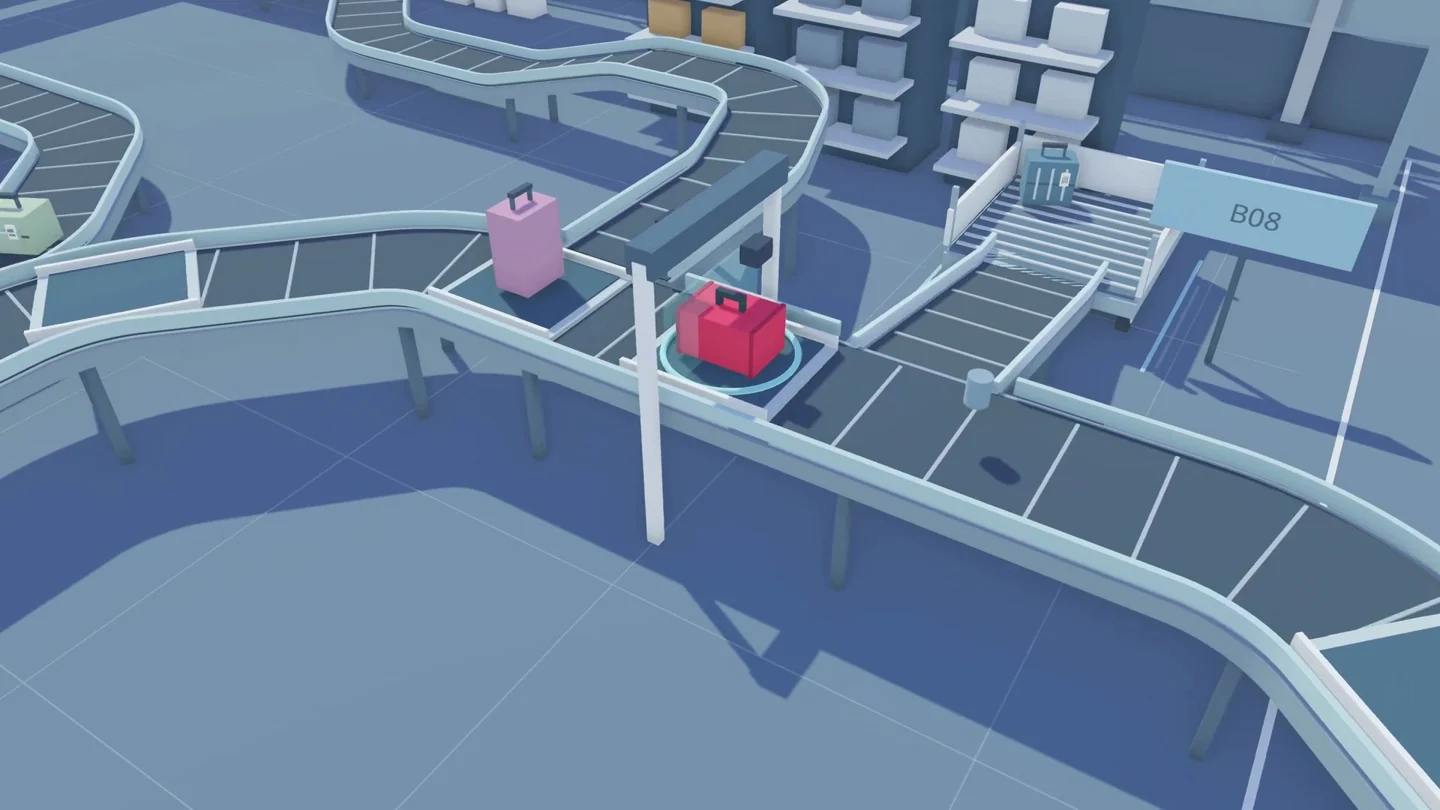
What happens to a suitcase after check-in? Follow its route through the airport and turn an unseen process into a story people can follow.
Start with a prompt. Keep directing.
Describe what you want to explain. Then shape the scene in Nova: arrange the objects, refine the details and choose the views that make your point.
Create with DexiStart with Nova’s built-in AI assistant.Connect your AI workflowBring your preferred AI tools into Nova.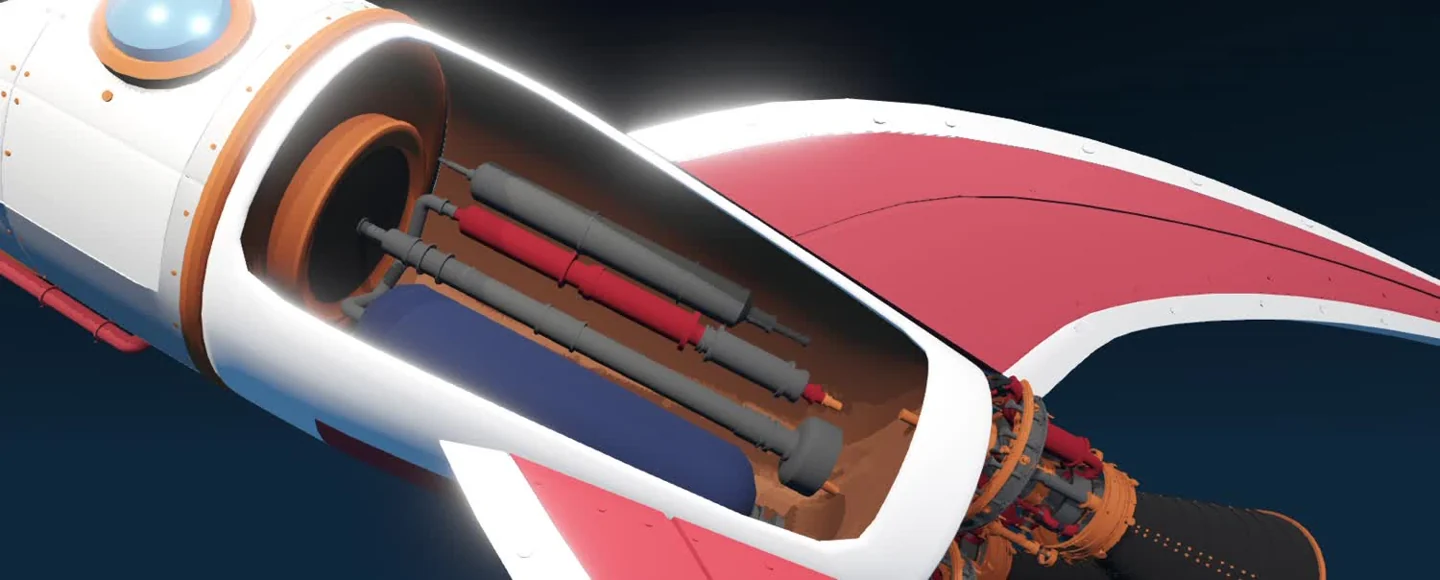
“Help me build a simple rocket scene so I can explain its main parts.”
Start with an idea. Develop the detail in your scene.
An editable scene. More ways to explain.
Nova gives you control over the objects, the viewpoint and the explanation. Build in your browser, refine the same scene, then share a video or an interactive Project.
The prompt“Build a simple three-layer air filter. Keep the frame, filter and grille separately editable.”
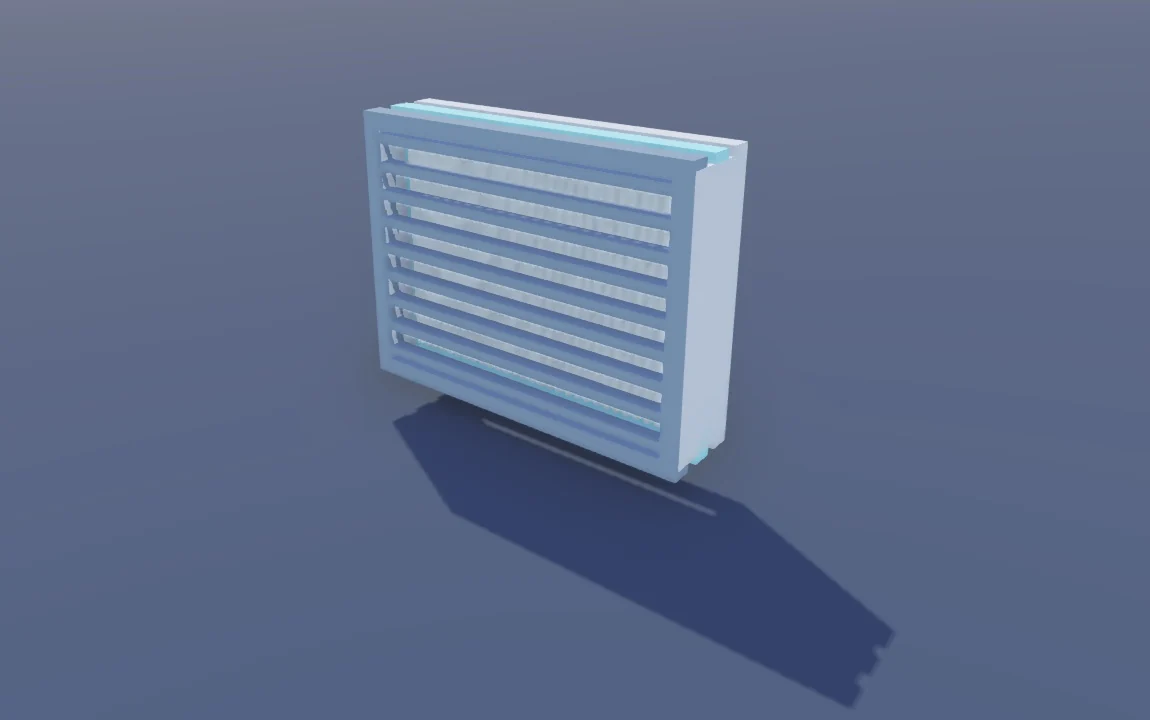
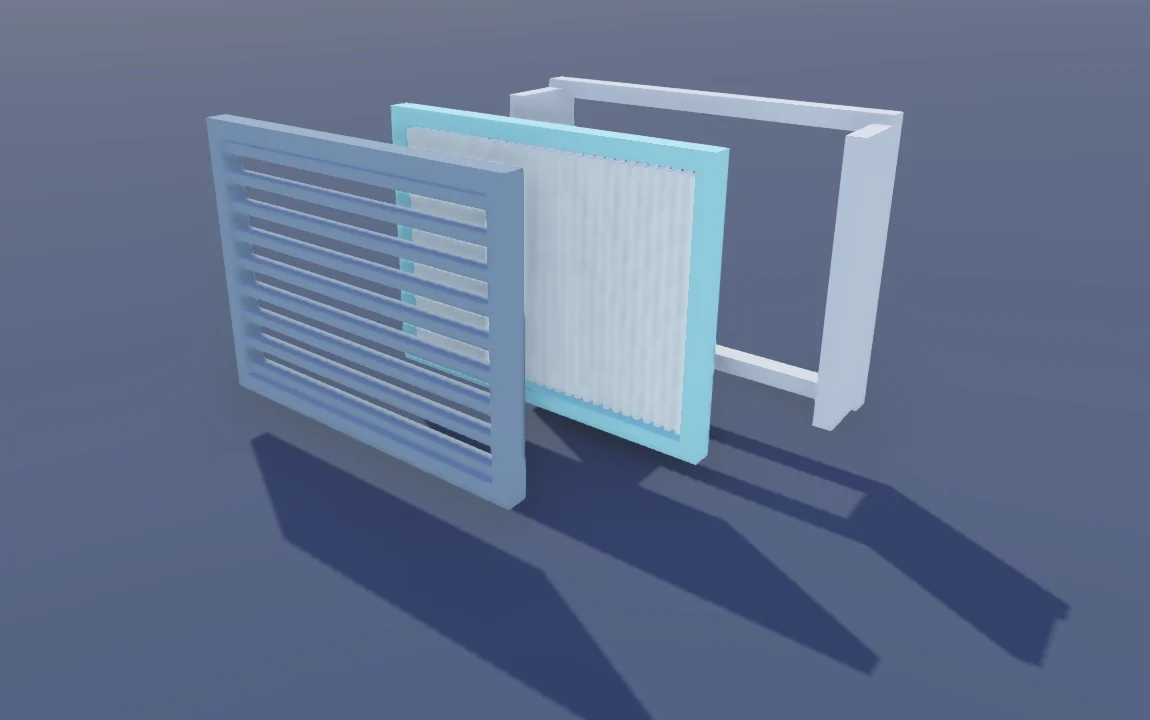
Start with the complete object.
Choose the angle, move the parts and focus on the detail that answers your audience’s question.
Your 3D scene stays editable. Adjust the arrangement and return to it when the explanation needs to change.
Record a guided explanation, or share an interactive Project so viewers can explore at their own pace.
Whether you’re introducing a product, teaching a concept or training a team, 3D gives people something concrete to understand.
Product & marketing teams
Reveal the feature customers can’t see from the outside.
Educators & explainers
Give learners a shared view of a structure or mechanism.
Training & operations teams
Show where each action happens and what comes next.
Explore the Projects behind the explanations
Take a closer look at the 3D scenes. Explore the details at your own pace.
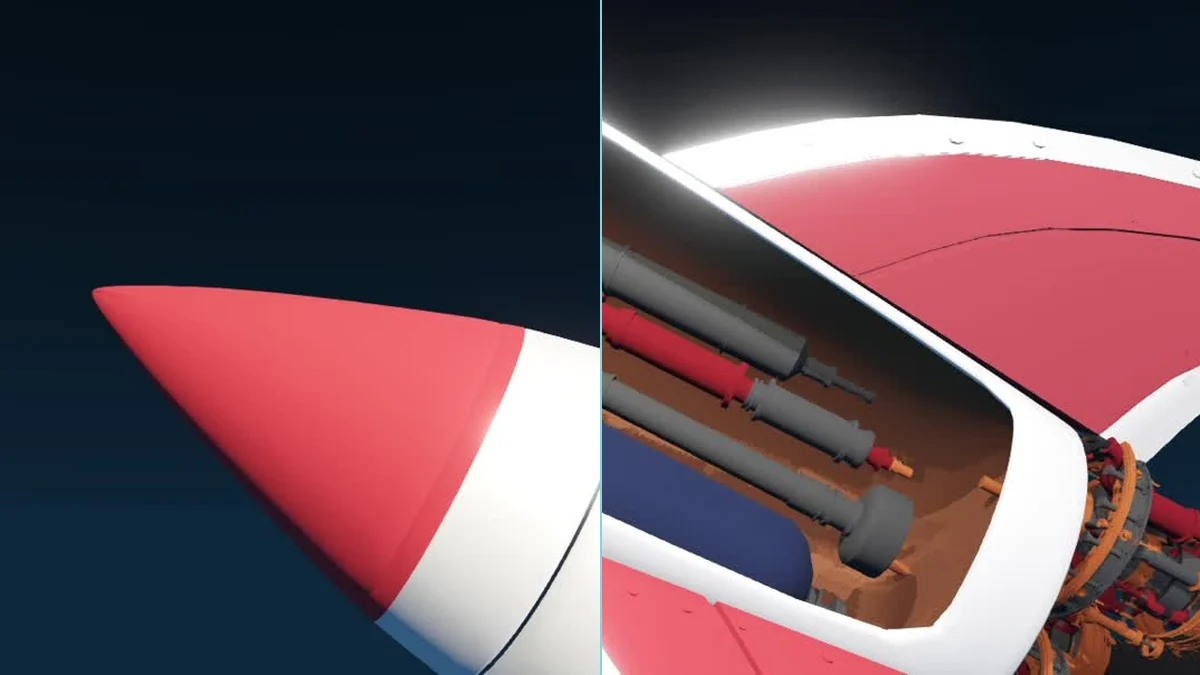
Structure, components & context
Go from the whole vehicle to the systems inside. See how each module fits into the bigger picture.
Open the Project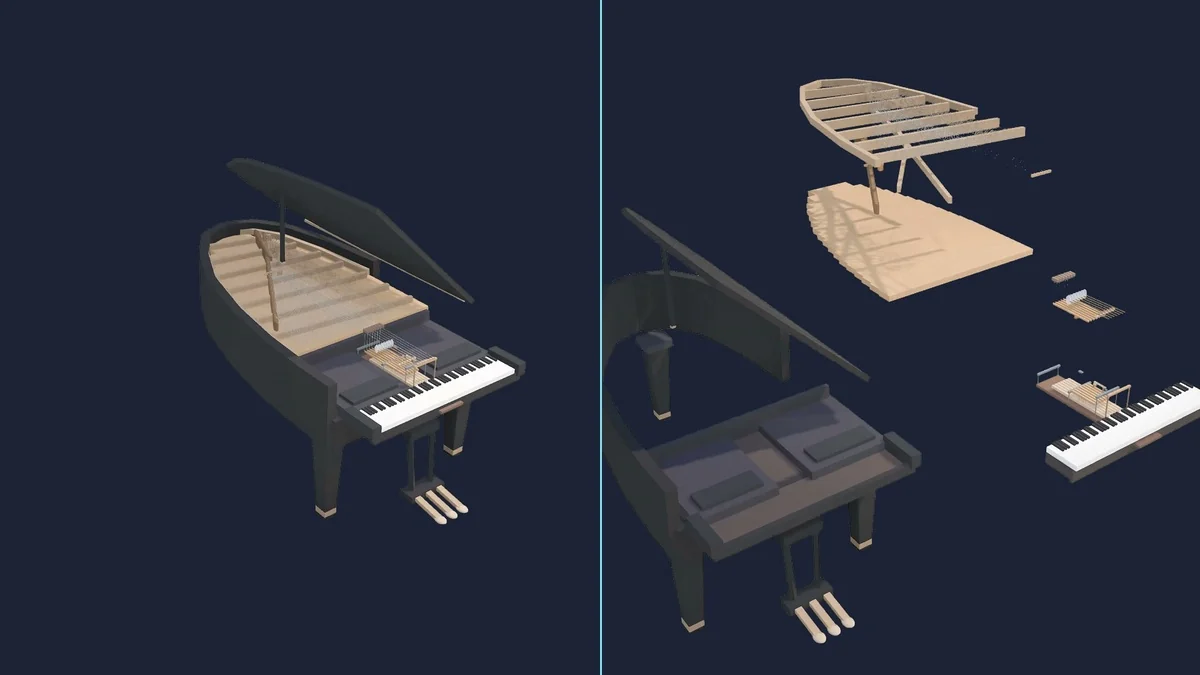
Parts, mechanisms & cause and effect
Look beneath the case and explore the structure behind the sound. Connect the parts to what they do.
Open the Project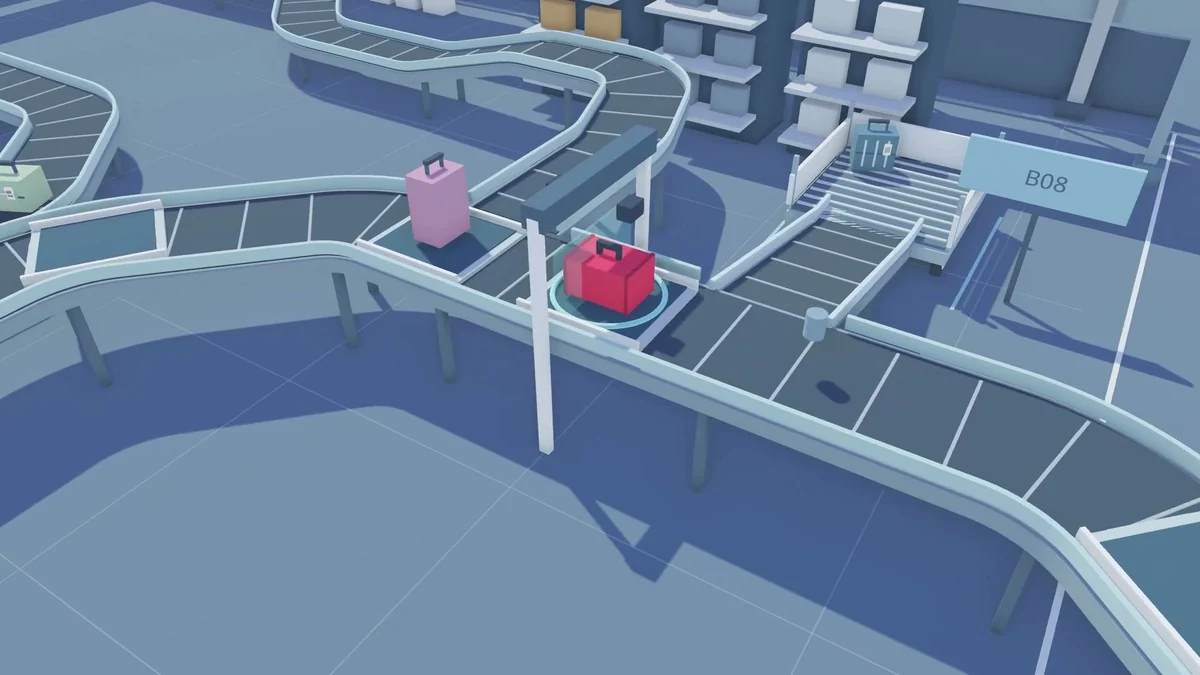
Processes, routes & connections
Follow a bag from check-in towards the aircraft. See the connected system behind an everyday journey.
Open the ProjectMake your next explanation click.
Take something that’s hard to explain.
Make it easier to understand in 3D.
Copyright © 2026 DelighteX GmbH. All rights reserved.