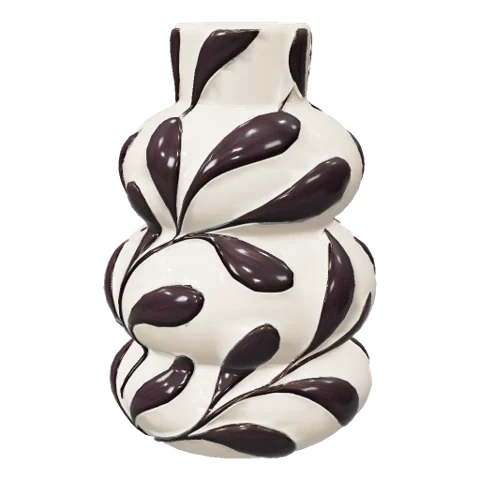
Describe it.
Or upload an image.
Tell Nova what you want to make.
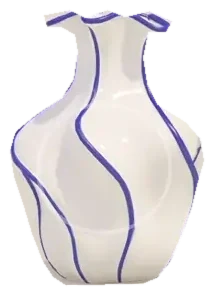
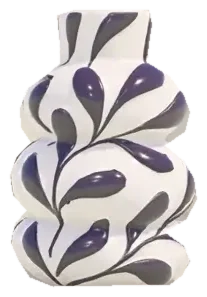
“A ceramic vase with blue botanical patterns.”
Upload a clear photo of your object.
Start with a product, a piece of furniture or a personal item.
AI 3D model maker
Describe an object or upload a photo. Generate a model in minutes and add it to your scene in Delightex Nova.
Create my 3D modelText to model · Image to model
In your browser · No 3D skills needed
Move over a vase to turn it ↔
Try it in 3D
Try three interactive examples.
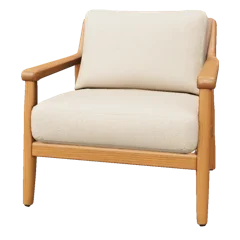
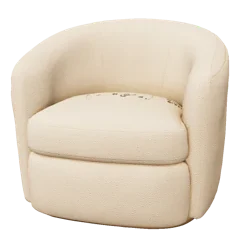
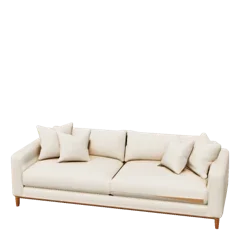
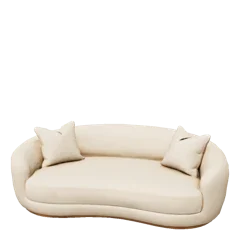
Explore products, arrange furniture or style a shot.
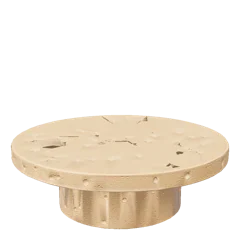
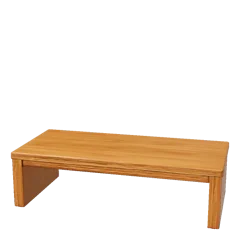
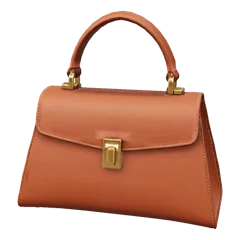
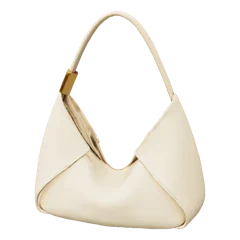
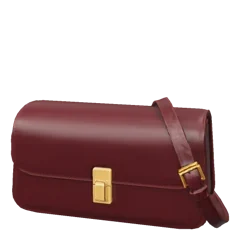
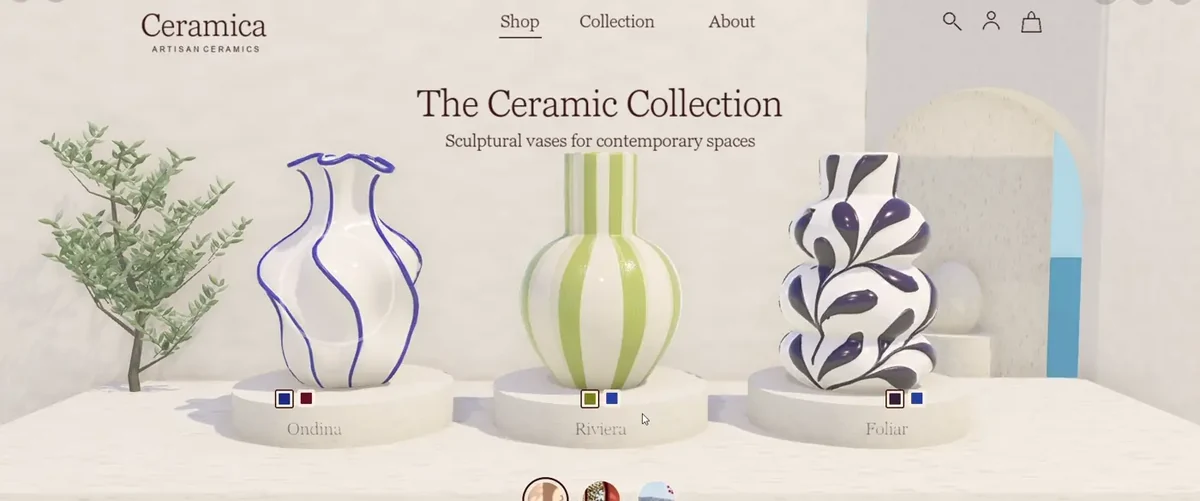
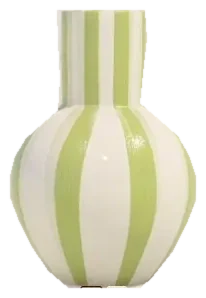
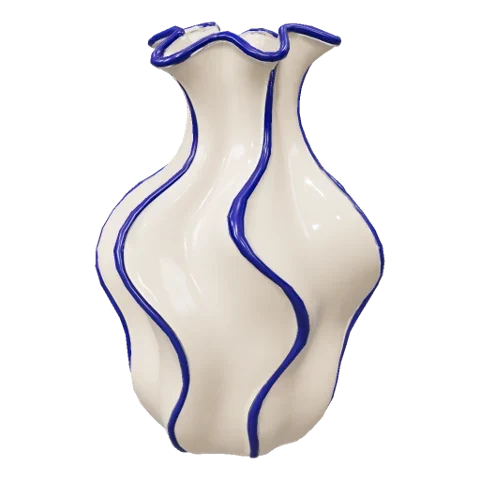
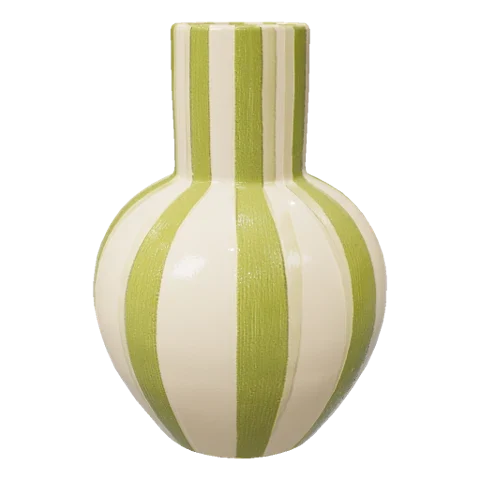
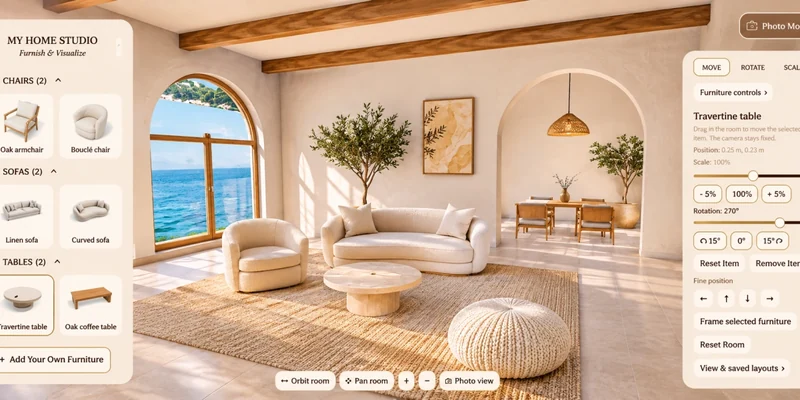
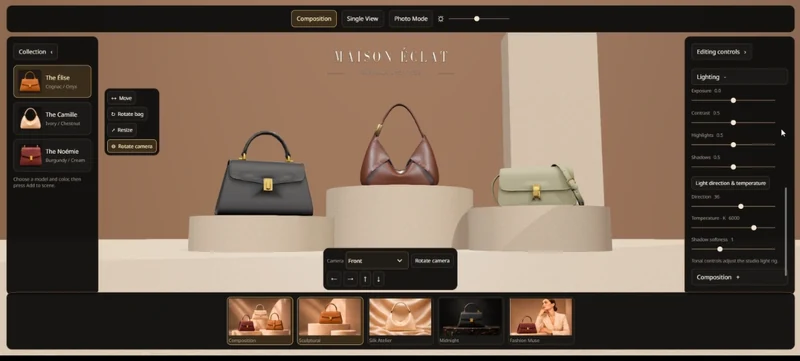
Select a vase, rotate it in 3D and try it in different settings.Add furniture, move it around the room, then adjust its size and rotation.Choose a handbag, adjust the light and camera, and save your shot.
Interactive preview01 / Choose a vase
02 / Change the setting
Explore each vase from every angle.
More ways to use your models
Make the objects your idea needs.
Move your cursor to explore each model.
Move to rotate · drag on touch ↔
Personal avatars
Create a personal avatar for virtual rooms, stories and creative projects.
Worldbuilding
Build fantasy or sci-fi settings with characters, buildings and objects you generate.
Event design
Arrange flowers, displays and props in a 3D venue to explore your event design.
Tabletop games
Generate characters, creatures and objects for your tabletop or role-playing world.
3D mood boards
Bring colours, shapes and visual references together to develop a creative direction.
Filmmaking
Arrange objects before filming or generating video. Record a preview with Nova’s screencast feature.
Training
Add workplace tools to training environments, so learners can explore what they will use on the job.
From an idea to your scene
40k+ objects in the library. Need something else? Generate your own objects from prompts or photos and combine them to build complete scenes.
Open your Nova project and follow this menu path. Enter a prompt or upload an image, choose a quality setting and generate. Your model is ready to add directly to your scene.
Tell Nova what you want to make.
“A ceramic vase with blue botanical patterns.”
Upload a clear photo of your object.
Start with a product, a piece of furniture or a personal item.
Quick: prioritise speed when exploring an idea.
Balanced: a middle ground between speed and detail.
Realistic: prioritise richer detail for your model.
Create in minutes.Time and credits vary by model and quality setting.
Drag each model into your scene. Place, rotate and resize it, then repeat to build an entire room, setting or world.
Start faster. Open the 3D model generator directly.
Open the 3D model generatorMade in Nova
Product showroomExplore products and compare finishes.
Open the Project ↗Try furniture and preview your space.
Open the Project ↗Build virtual showrooms and capture studio-quality shots.
Open the Project ↗Your ideas. Your 3D objects.